

Downloading attribution reports
Download project attribution (licensing) reports in TXT, HTML, Markdown, PDF, or CSV.
Overview
This recipe shows how to download a project's attribution report (typically a licensing report) in several formats.
Note
- A FOSSA API token, see Authentication.
- The project locator or revision ID of the project you want to report on, see Retrieving the latest revision.
Adding a custom report header (optional)
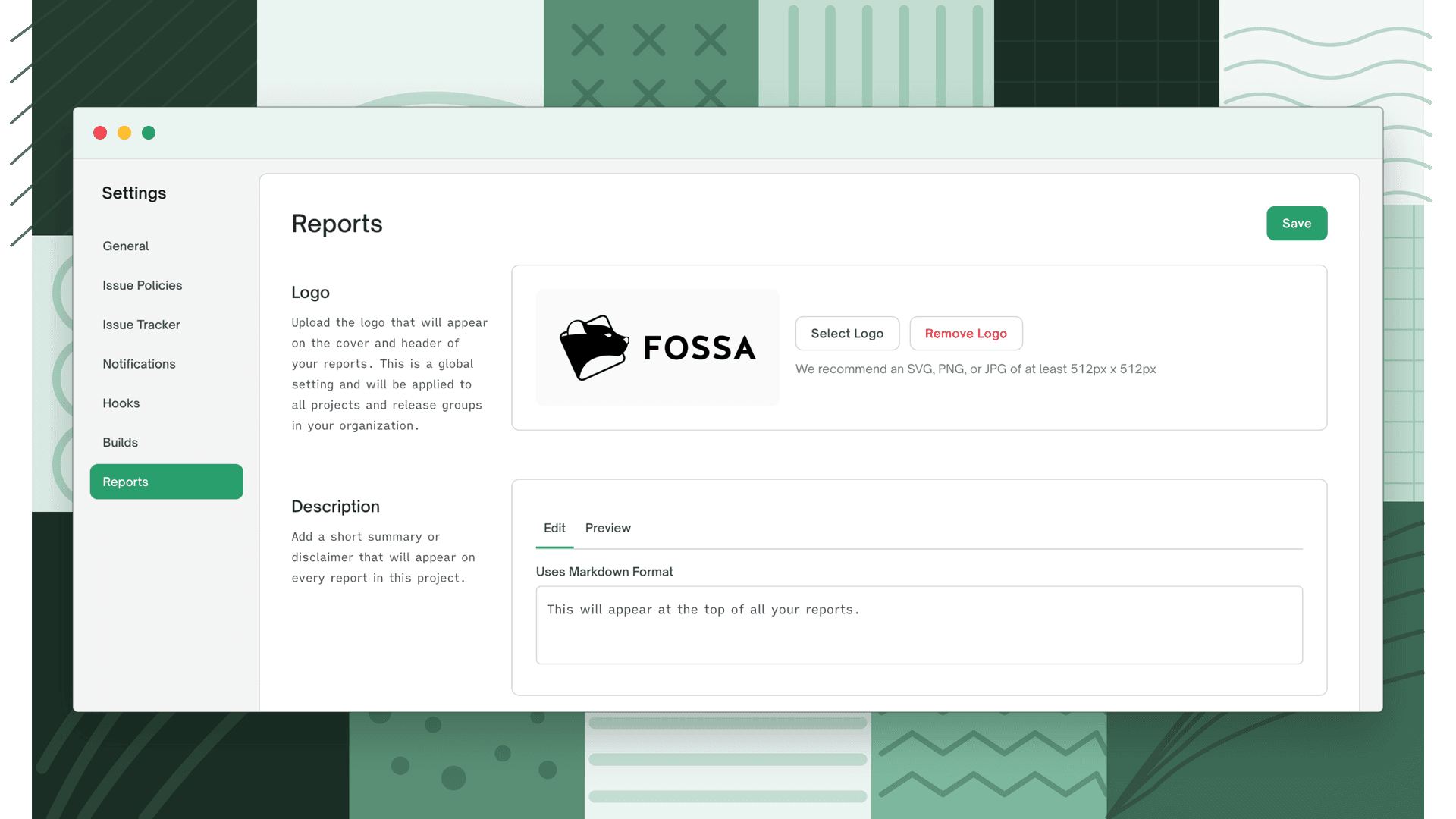
To add custom text to the top of your report, open Project Settings > Reports and enter it in the Description field (Markdown is supported). Once configured, the custom text appears at the top of the generated attribution report.
Endpoints by format
Some formats are emailed to your account; others download directly to your machine. Replace {revision_id} with your URL-encoded revision locator.
| Format | Delivery | Endpoint |
|---|---|---|
| Plain text | Emailed | GET /api/revisions/{revision_id}/attribution/email?format=TXT |
| Emailed | GET /api/revisions/{revision_id}/attribution/email?format=PDF | |
| HTML | Download | GET /api/revisions/{revision_id}/attribution/download?download=true&format=HTML |
| Markdown | Download | GET /api/revisions/{revision_id}/attribution/download?download=true&format=MD |
| CSV | Download | GET /api/revisions/{revision_id}/attribution/download?download=true&format=CSV |
Example: download an HTML report
curl --request GET \ --url 'https://app.fossa.com/api/revisions/{revision_id}/attribution/download?download=true&format=HTML' \ --header 'Authorization: Bearer YOUR_API_KEY'Choosing what the report includes
Pass dependencyInfoOptions[] one or more times to control which fields appear per dependency. Available values:
LibraryAuthorsDescriptionConcludedLicenseLicenseCustomTextLicenseFullTextLicenseOtherLicensesFilePathSourceProjectUrlPackageDownloadUrlDependencyPathsIssueNotesCopyrightsNoticeFilesLicenseFileURL
Some values depend on features being enabled for your organization (for example, ConcludedLicense requires license conclusions and FilePath requires file paths in reports).
Related
- Managing issues: query issues programmatically.
- Retrieving the latest revision: get the revision ID for a project.