

Inventory & Licenses
Browse the unified dependency inventory and license breakdown across all projects in a release group.
Overview
The Inventory and Licenses tabs work the same as on an individual project but aggregate across every project pinned in the selected release. See Licenses for how FOSSA detects licenses and evaluates obligations.
What's different at the release group level:
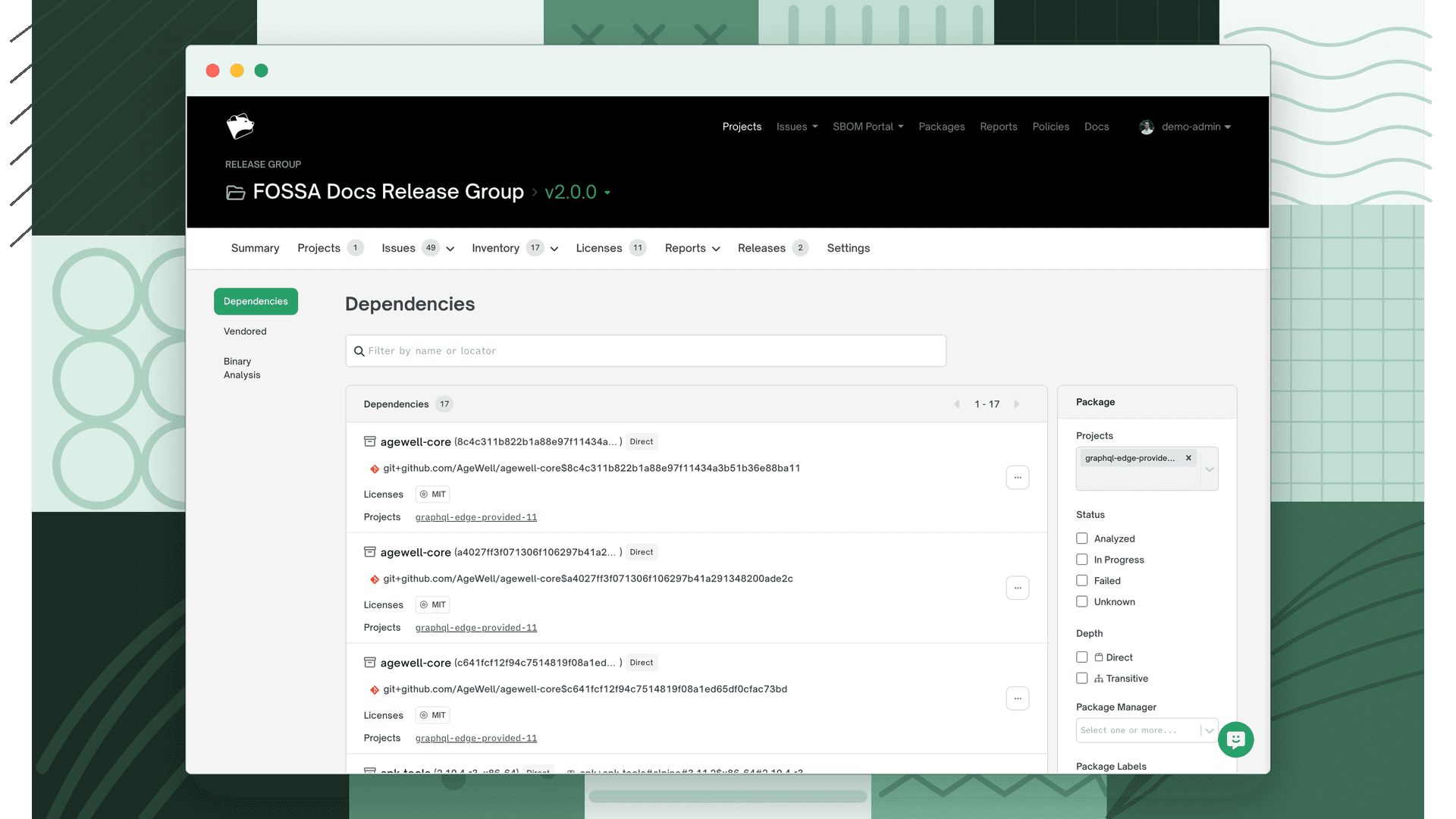
- Unified bill of materials: all dependencies from all member projects in one view, not separated by project.
- Cross-project filtering: filter by project to isolate one member's dependencies, or leave unfiltered to see the full release inventory.
- Shared dependencies are deduplicated: a dependency that appears in multiple projects is listed once, with a count of how many projects include it.
Inventory tab
Shows every third-party dependency across all pinned projects. Use it to browse the full component list for the release, filter by license or package type, or identify which dependencies span multiple projects.
Licenses tab
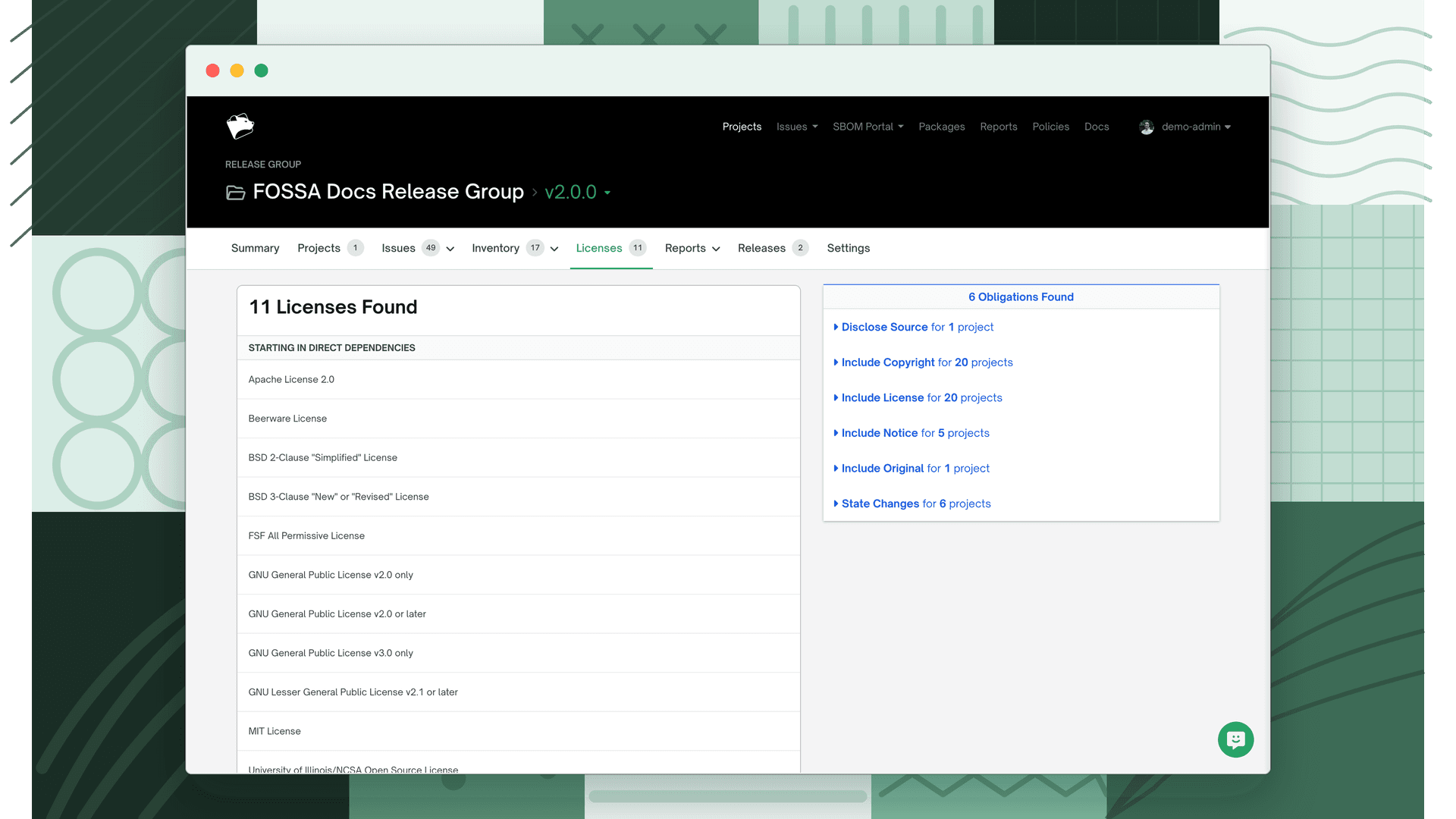
Shows a breakdown of every license present across the release. Clicking a license shows the dependencies that carry it.
Obligations panel
An Obligations panel alongside the license list surfaces the aggregated legal obligations for the release (attribution requirements, source disclosure, copyleft terms, and so on) derived from every license detected across all pinned revisions.
Note
The obligations panel summarizes what the detected licenses require. For authoritative compliance decisions, consult your legal team alongside FOSSA's issue and policy results.
Both tabs reflect the currently selected release. Use the release selector in the header to compare inventory or license composition across versions of the product.