

Issues
Review licensing, security, and quality issues aggregated across all projects in a release group.
Overview
The Issues tab works the same as on an individual project (same issue types, same policy-driven rules) but aggregates results from every project pinned in the selected release. See Licenses and Vulnerabilities for how FOSSA detects and evaluates issues.
What's different at the release group level:
- Cross-project aggregation: a single view of all outstanding issues across the entire product, not per-project.
- Each issue links back to its source: click any issue to see which project and dependency it came from.
- Release-scoped: the issue list reflects the pinned revisions in the selected release. Switch releases in the header to compare compliance posture across versions.
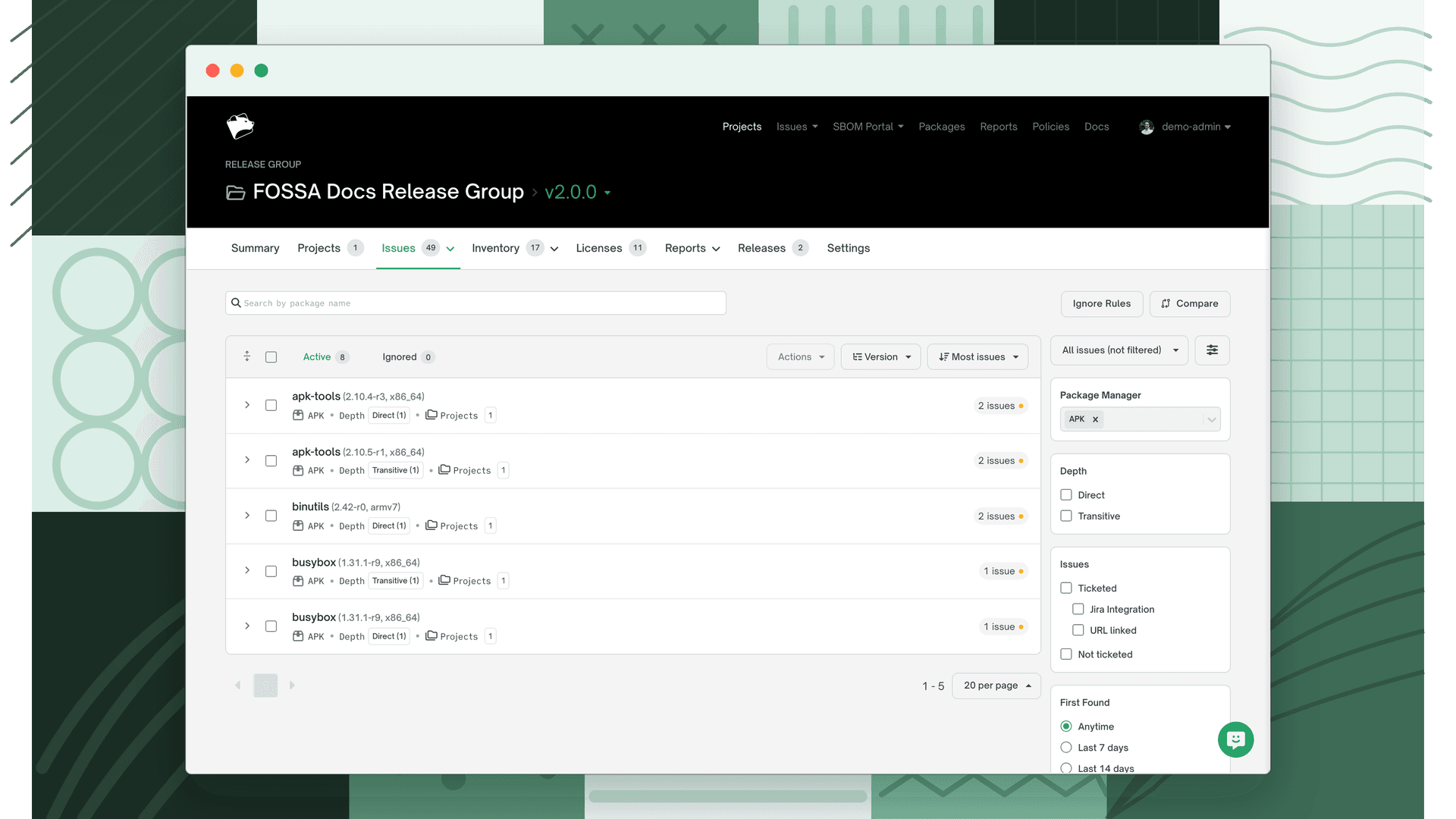
Sub-tabs
Issues are split by policy type. Which sub-tabs appear depends on which policies are assigned to the group in Settings → General:
| Sub-tab | Shown when |
|---|---|
| Licensing | Always |
| Security | A security policy is assigned |
| Quality | A quality policy is assigned |
If only a licensing policy is assigned, the tab shows a flat list rather than a dropdown.
Issue counts
Issue counts appear on the Issues tab badge and the Summary tab. They update when you switch releases or scan history. Use those selectors to compare issue counts across releases or points in time.
To export the release group's issues as CSV, or a CSV comparing issue counts across its recent releases, use the Global Issue CSV Export on the Reports page.