

Reports
Generate licensing, vulnerability, SBOM, and remediation guidance reports across all projects in a release group.
Overview
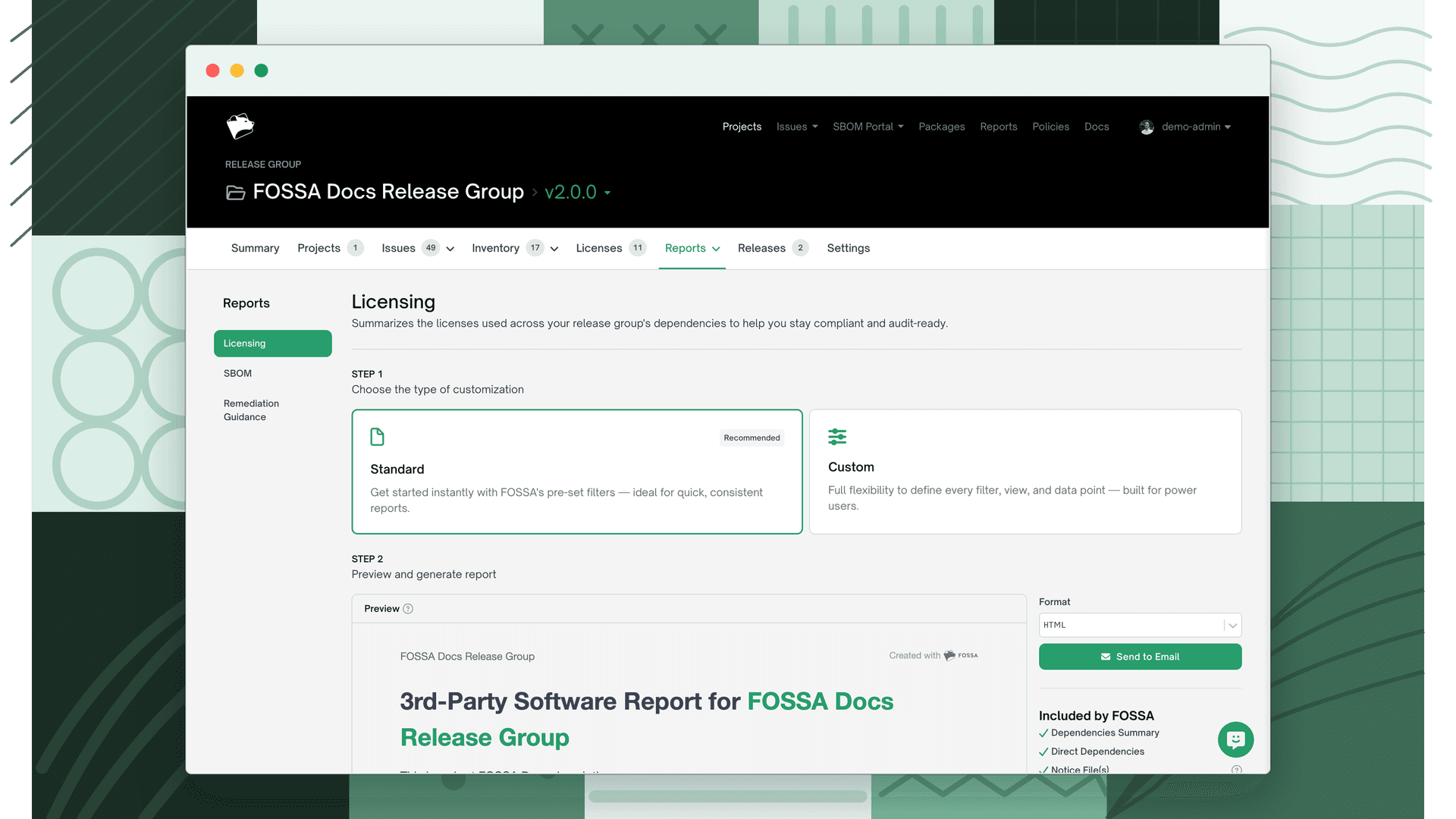
Release group reports produce the same output as project-level reports (same formats, same content structure) but aggregate data from every project pinned in the selected release into a single document. See Reports for format details and what each report type contains.
Open Reports in the release group navigation, or use the Summary tab quick-action links, then choose a report type from the sidebar. The available types are Licensing, SBOM, Vulnerabilities, and Remediation Guidance.
Note
Vulnerability reports require a security policy to be assigned to the group. Remediation Guidance reports additionally require that not all projects in the release are binary projects.
What's different at the release group level
- Combined output: one report covering all member projects, not one per project.
- Generate against a historical scan: to report on the release's state at a specific point in time, select that scan from the scan history selector on the Summary tab before generating.
- Default saved options: configure default filter presets for Licensing and SBOM reports so users see pre-filtered results when they open the report. Set these in Settings → Reports.
- SBOM author defaults: set default author name, email, and supplier metadata for SBOM reports generated from this group, also in Settings → Reports.