

Release Group Settings
Configure policies, report defaults, and portal visibility for a release group.
Overview
Release group settings are group-level; they apply to all releases within the group. Access them from the Settings tab inside a release group.
General
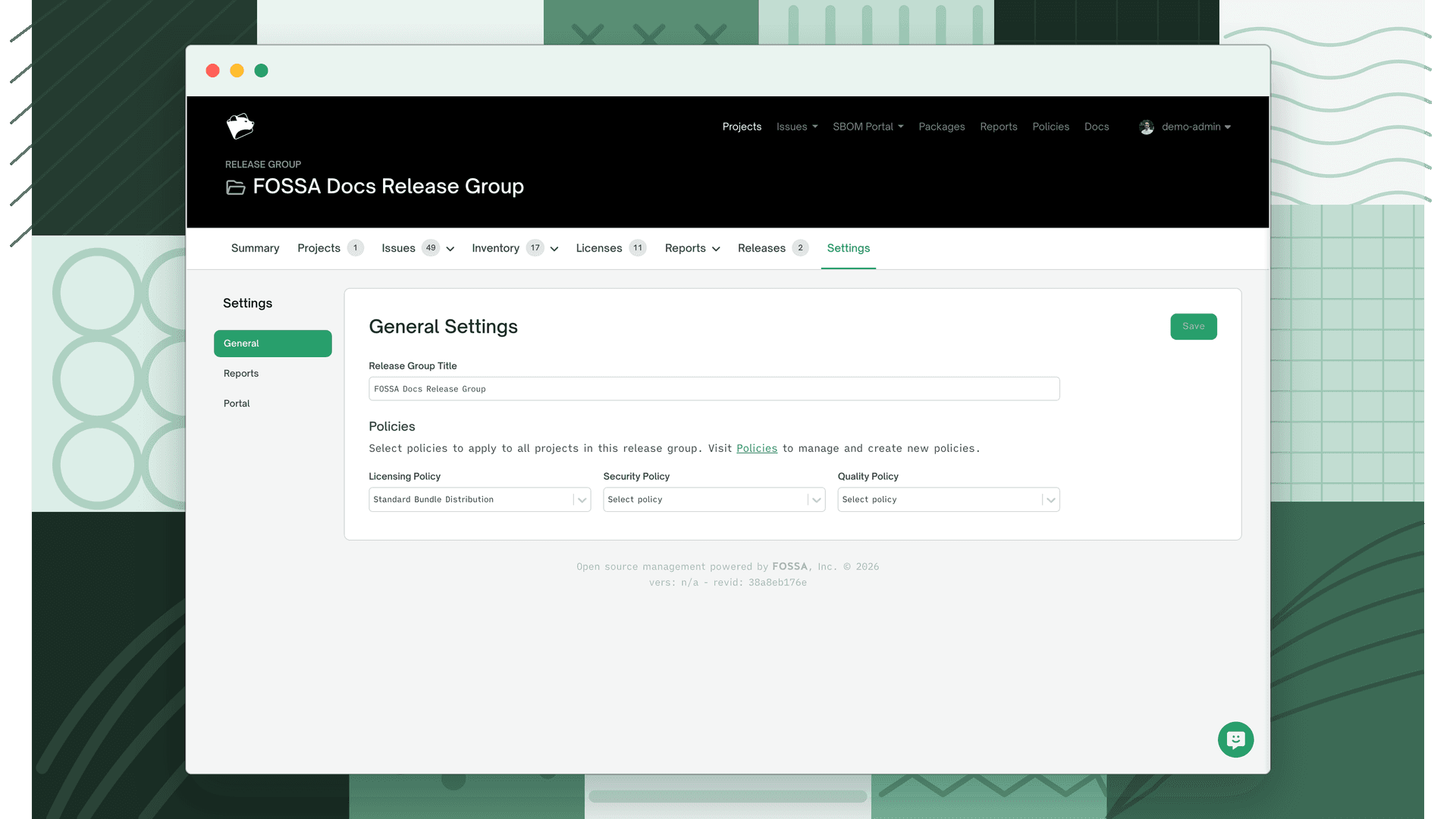
Title
Set or rename the release group title. This name appears across the FOSSA UI, in reports, and in any shared portal links.
Policies
Assign a policy for each issue type. Policies determine which license, security, and quality issues are flagged across all projects in the group.
| Policy type | What it controls |
|---|---|
| Licensing | License obligations and restriction rules |
| Security | Vulnerability severity thresholds |
| Quality | Code quality issue rules |
Policies set on the release group take precedence over any individual project policies for issues evaluated in the group context. For more on how policies work, see Policies.
Reports
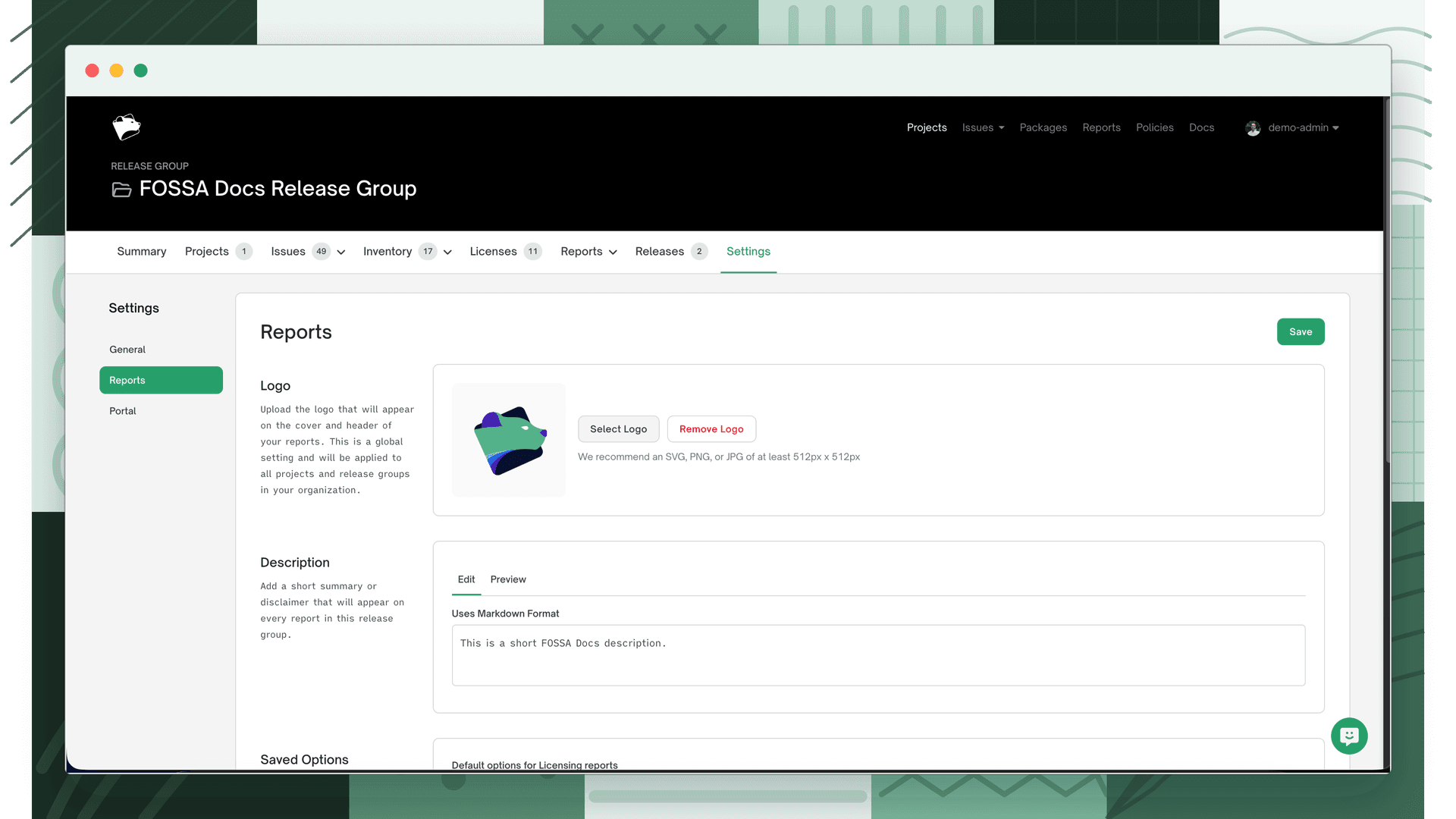
Configure defaults that apply when generating reports from this release group.
Logo and description
Upload a logo and write a description to include in generated reports. The description supports plain text and appears on the report cover.
Default saved options
Set a default saved filter option for Licensing and SBOM reports. When a user opens the report, the selected filter is pre-applied. Leave blank to show all results by default.
SBOM author defaults
Set default author and supplier metadata for SBOM reports generated from this group. Individual users can override these at report generation time.
| Field | Description |
|---|---|
| Author Name | Name of the person or team authoring the SBOM |
| Author Email | Contact email for the SBOM author |
| Supplier | Organization supplying the software described in the SBOM |
Portal
The Portal setting controls whether this release group's results are accessible via a shareable public link, useful for sharing compliance status with customers or external stakeholders without granting FOSSA account access.
Toggle Public on Portal to enable. When public, anyone with the portal link can view the release group's compliance summary. When private, the link requires authentication.
Note
Use portal tokens to grant scoped, authenticated access to the portal without full FOSSA accounts. Manage tokens from the Portal settings tab.