

Understanding Licensing Issues
What each licensing issue type means, what triggers it, and what action is required.
Enterprise feature
Available on: Business, Enterprise.
Overview
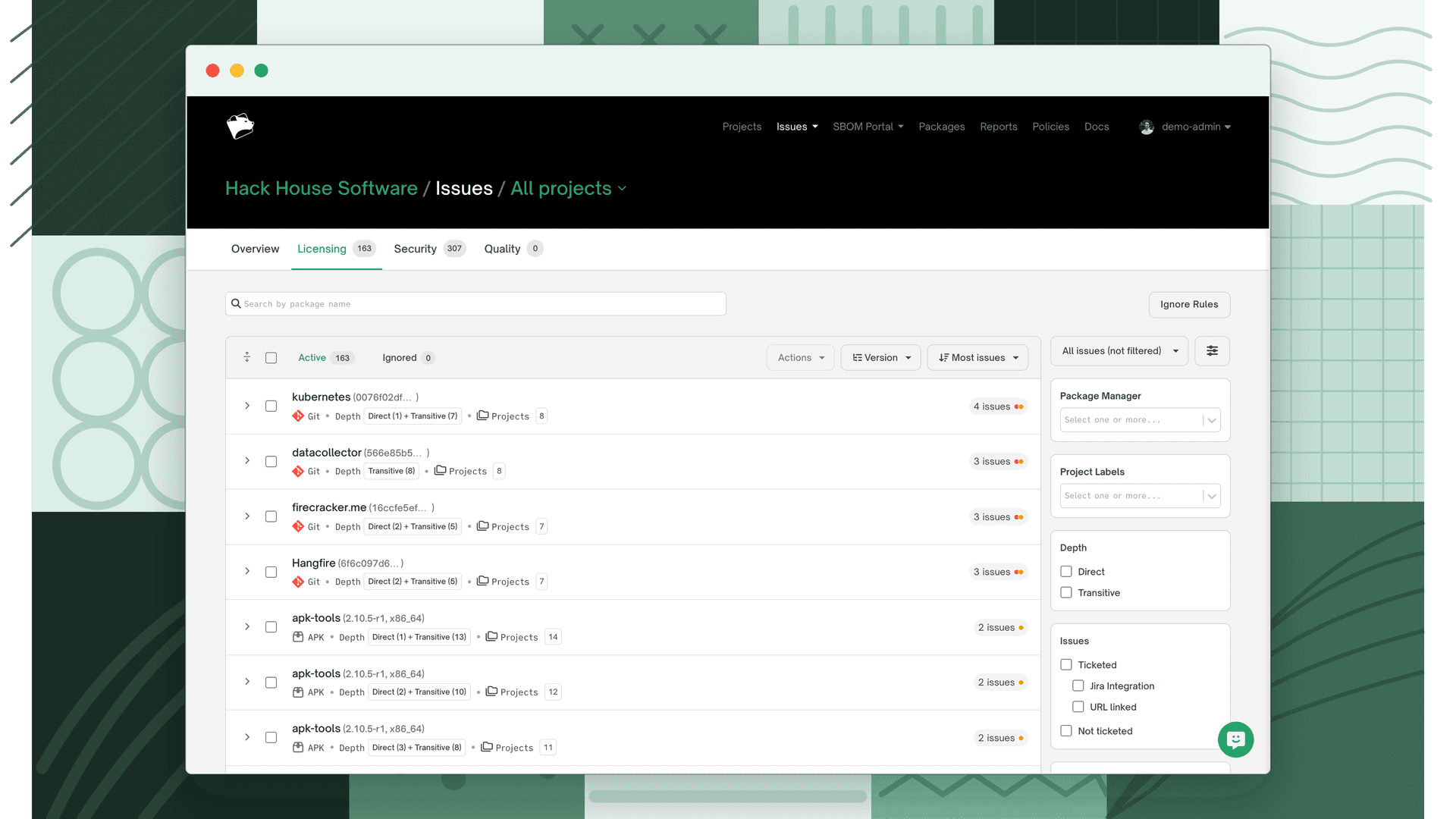
When FOSSA scans a project, it compares every detected license and dependency against your licensing policy and checks for missing license data. Anything that requires attention surfaces as a licensing issue in the Issues tab.
Issue types
There are five licensing issue types. The first two are policy-driven: they fire based on rules you configure. The last three are data-quality issues: they fire when FOSSA can't determine a clean license picture.
| Issue type | What triggers it |
|---|---|
| Denied | A Deny rule in your policy matched a license or dependency in this project. |
| Flagged | A Flag for Review rule matched; the license needs manual evaluation before it can be approved or denied. |
| Unlicensed | FOSSA found no license information for the dependency. It can't determine whether the license is acceptable. |
| Unconcluded | FOSSA detected multiple licenses on a dependency and none has been concluded. The effective license is ambiguous. |
| Concluded (Multi) | A dependency had multiple detected licenses and a user manually concluded which one applies. This is informational. The conclusion is recorded and the ambiguity is resolved. |
What each type requires
Denied issues block compliance. The dependency must be removed, replaced, or have its rule updated in the policy before the project can pass.
Flagged issues require a human decision. A reviewer must approve or deny the flagged license before the issue is resolved.
Unlicensed and Unconcluded issues require license data to be provided. Options include editing the dependency to add a concluded license, or updating the dependency to a version that declares one. See License Corrections.
Concluded (Multi) issues are resolved, no action required. They appear in the issue list as a record of the conclusion.
Where issues come from
Beyond its type, two properties describe where a licensing issue originates:
- Issue source: most issues come from a dependency (a component resolved from a package manager). They can also come from a snippet, a license match FOSSA found directly in your first-party source code via Snippet Scanning. With Vendored Dependency Detection enabled, dependency-sourced issues are split further into Managed (package-manager) and Vendored (copied into your source tree).
- License identification: a Declared license is one the package author stated in the manifest; a Discovered license is one FOSSA found by scanning the source. A dependency can have both, and the issue records which signal it came from.
Issue status
An issue is Active (needs attention) or Ignored (suppressed so it doesn't block CI checks). A third lifecycle state, Remediated, applies once an issue that was present in a previous revision is gone in the current one.
An issue can be ignored in three ways:
- Manually: a reviewer dismisses it, ideally with a documented reason.
- By an ignore rule: an auto-ignore rule suppresses it across versions or projects (see Reviewing Licensing Issues).
- By policy: the Intelligent Auto-Ignore setting auto-ignores non-concluded issues.
Ignoring suppresses an issue; it doesn't fix the underlying problem. Use it sparingly.
What's next
- Reviewing Licensing Issues: how to triage and resolve active issues.
- Licensing Policies: how Deny and Flag rules are defined.
- License Corrections: add, change, or remove a dependency's detected licenses to correct FOSSA's data across your organization.