

API Tokens
The forms of FOSSA API credential (personal tokens, service accounts, and OIDC), what each is for, and how to create and secure them.
Overview
Every call to the FOSSA API authenticates with a token. Tokens come in a few forms depending on who or what is making the request: a person exploring the API, an automated pipeline, or a CI job using federated identity. This page explains each form and how to create it.
Note
All three are managed under Account Settings → Integrations. Despite the "Account Settings" label, creating service accounts and OIDC providers requires organization-level permissions.
Token access levels
Whichever form you use, a FOSSA API token has one of two access levels, chosen when the token is created:
| Access level | What it can do |
|---|---|
| Push-Only | Send data to FOSSA, used by the CLI and CI integrations to push analysis results. It can't be used for most read APIs. This is the default when creating a token. |
| Full | The same access as the account the token belongs to. Required for most API endpoints and management tasks. |
Warning
A token's access level is fixed once created; you can't switch a Push-Only token to Full later. To change it, delete the token and create a new one. Deleting a token is also how you revoke it.
Personal API tokens
A personal token is the classic, simplest form: a token you generate for yourself. Apps using it impersonate your identity and inherit your permissions.
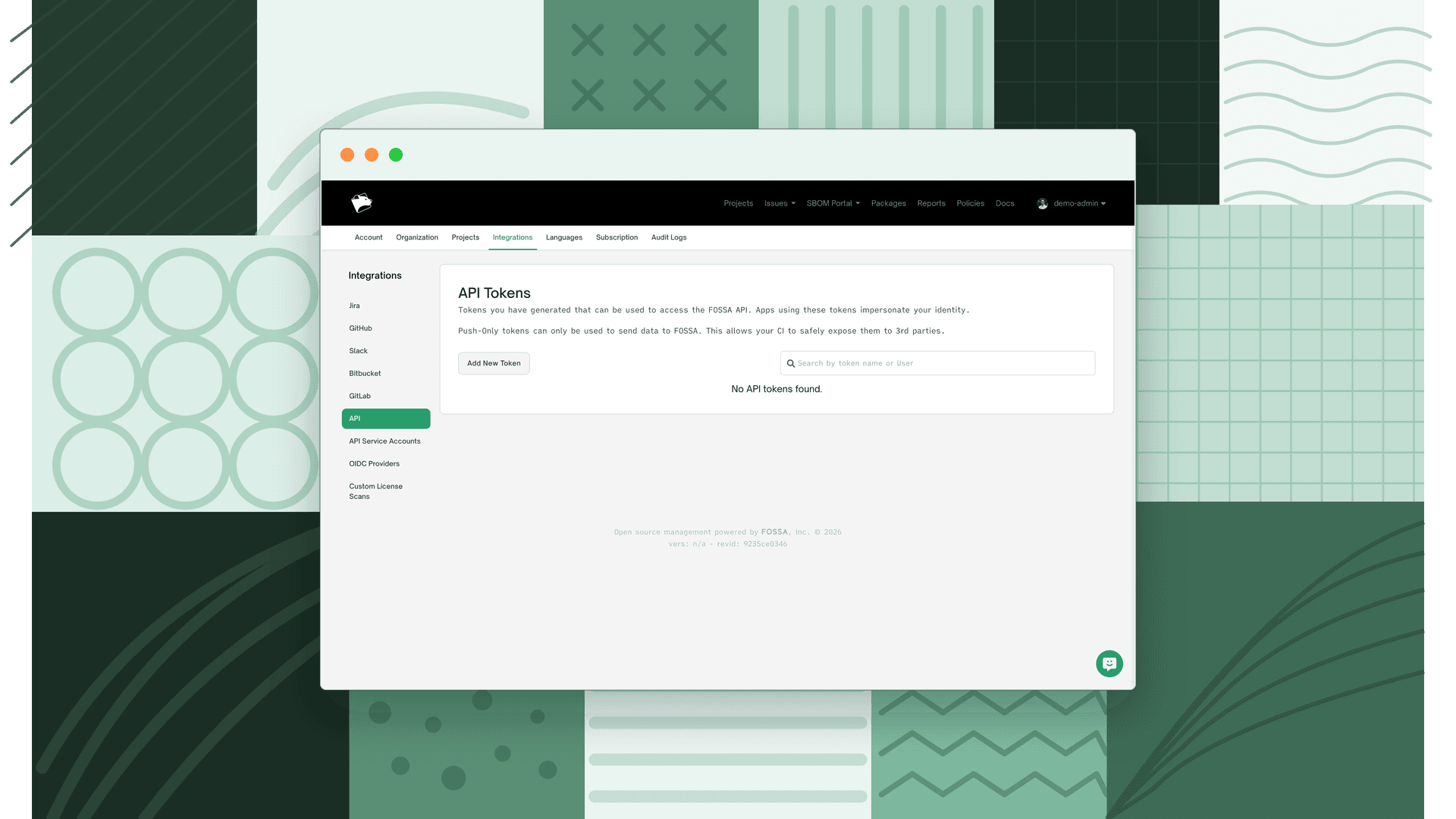
Create one under Account Settings → Integrations → API:
- 1
Open API Tokens
Go to Account Settings → Integrations → API.
- 2
Create a token
Click to create a new token, give it a Name, and choose its access level with the Push Only checkbox: leave it checked for a Push-Only token, or uncheck it for Full access.
- 3
Copy the token
Copy the token immediately and store it somewhere secure. It impersonates your account, and it can't be viewed or changed after creation.
Note
Because a personal token carries your identity, it stops working if your account is deactivated, and its access changes when your permissions do. For shared automation (CI pipelines, scripts owned by a team), prefer a service account instead, so the credential doesn't depend on one person.
Service accounts
A service account is a special non-human user built for automation. It interacts with the FOSSA API using either an API token or OIDC, is not subject to your organization's SSO configuration, and cannot log in with a username and password. Service accounts appear in your organization's user list with a Service Account badge.
Use a service account when a credential should belong to a system rather than a person: CI/CD, integrations, or any long-lived automation.
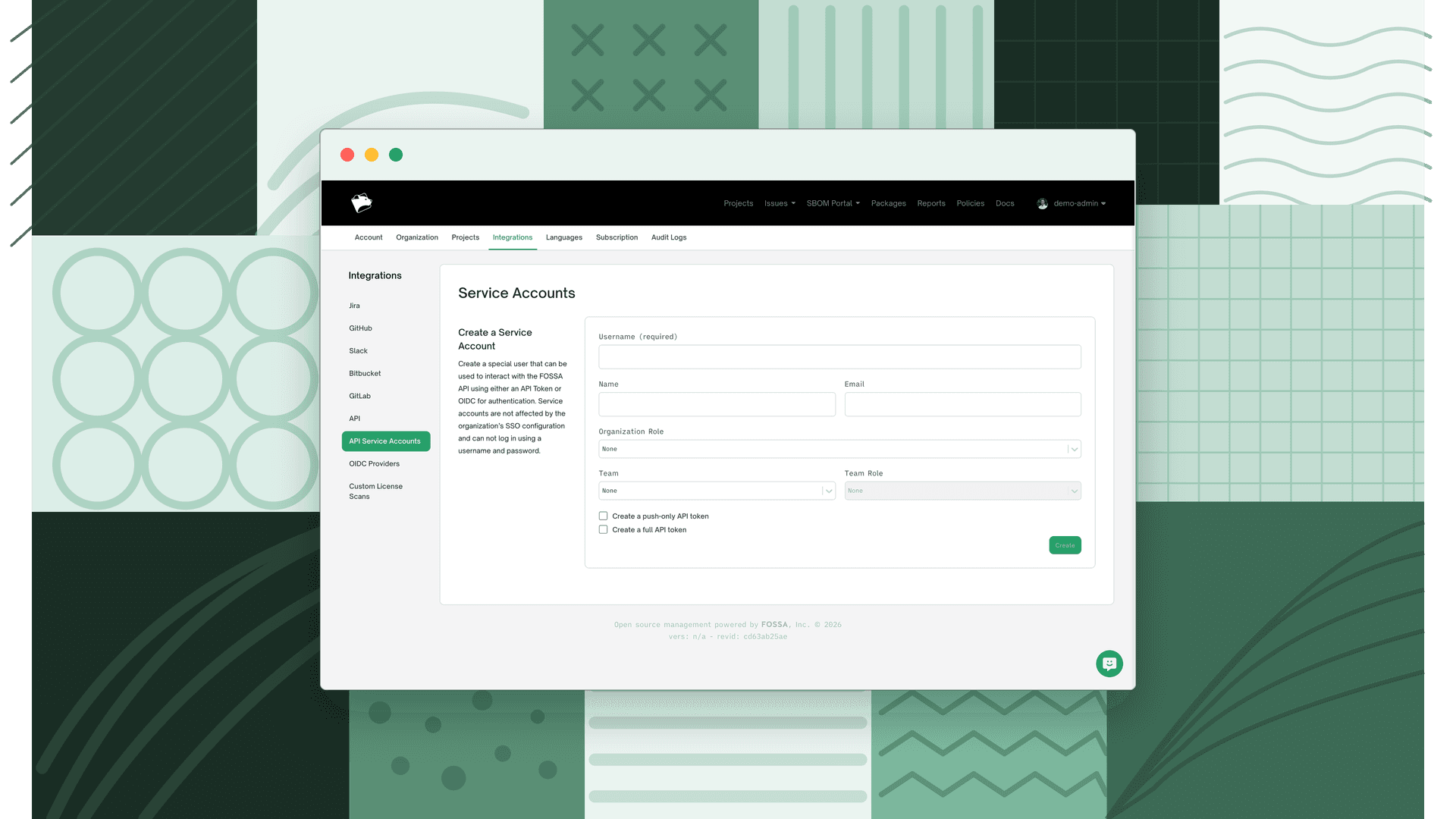
Create one under Account Settings → Integrations → API Service Accounts:
- 1
Open API Service Accounts
Go to Account Settings → Integrations → API Service Accounts and select Create a Service Account.
- 2
Configure the account
Provide a Username (required), and optionally a Name and Email. Assign access by giving it an Organization Role, or a Team plus Team Role; at least one is required. These roles govern what the account's tokens can do.
- 3
Generate its tokens
Choose Create a push-only API token and/or Create a full API token. The generated tokens are shown once; copy them immediately, as they're never displayed again.
Note
Creating and managing service accounts requires permission to manage service accounts (organization-wide, or scoped to a team). See Roles & Permissions.
OpenID Connect (OIDC)
OIDC lets CI/CD pipelines authenticate without storing a long-lived token at all. Your CI platform issues a short-lived JWT for the running job; the pipeline exchanges it for a FOSSA token that runs as a service account and expires automatically after the build (15 minutes to 12 hours; default 1 hour).
This is the most secure option for CI because there's no static secret to leak or rotate. It builds on service accounts (the issued token is bound to one) and is configured under Account Settings → Integrations → OIDC Providers.
For the full setup (providers, trust relationships, and GitHub Actions / GitLab CI examples), see OpenID Connect.
Choosing the right form
| If you're… | Use |
|---|---|
| Exploring the API or scripting something just for yourself | A personal token (Full for read APIs, Push-Only to push results) |
| Setting up shared automation, an integration, or CI that stores a credential | A service account with a Push-Only or Full token |
| Running CI on a platform with an OIDC identity provider | OIDC: no stored secret, short-lived tokens |
Keeping tokens secure
Warning
API tokens carry the same privileges as the account that created them. Never commit a token to source control, embed it in client-side code, or share it in a publicly accessible location.
- Prefer Push-Only tokens for CI/CD; they can push results but can't read or modify your data.
- Prefer service accounts or OIDC over personal tokens for anything shared, so a credential never depends on one person's account.
- Rotate long-lived tokens periodically and revoke any that may be exposed. See Rotating access tokens.
For how to send a token in a request, see API Authentication.
What's next
- Fail CI/CD Checks: Use your API token to integrate
fossa testinto your CI/CD pipeline. - Role-Based Access Control: Understand which permissions apply to service accounts using API tokens.