

CircleCI
Run fossa analyze and fossa test as steps in your CircleCI workflow.
Overview
Add FOSSA to your CircleCI pipeline to upload dependency data on every build and optionally gate builds on your FOSSA policy status.
Prerequisites
FOSSA CLI installed locally or available in your build image. Install it with:
Shellcurl -H 'Cache-Control: no-cache' https://raw.githubusercontent.com/fossas/fossa-cli/master/install-latest.sh | bashfossa --helpA FOSSA API key from Settings → Integrations → API Tokens.

Note
If you maintain a public repository, use a Push Only token so the key cannot be used to read sensitive data from your FOSSA account.
Adding FOSSA to .circleci/config.yml
- 1
Add FOSSA_API_KEY to CircleCI environment variables
In your CircleCI project settings, add
FOSSA_API_KEYas an environment variable and set its value to your API key.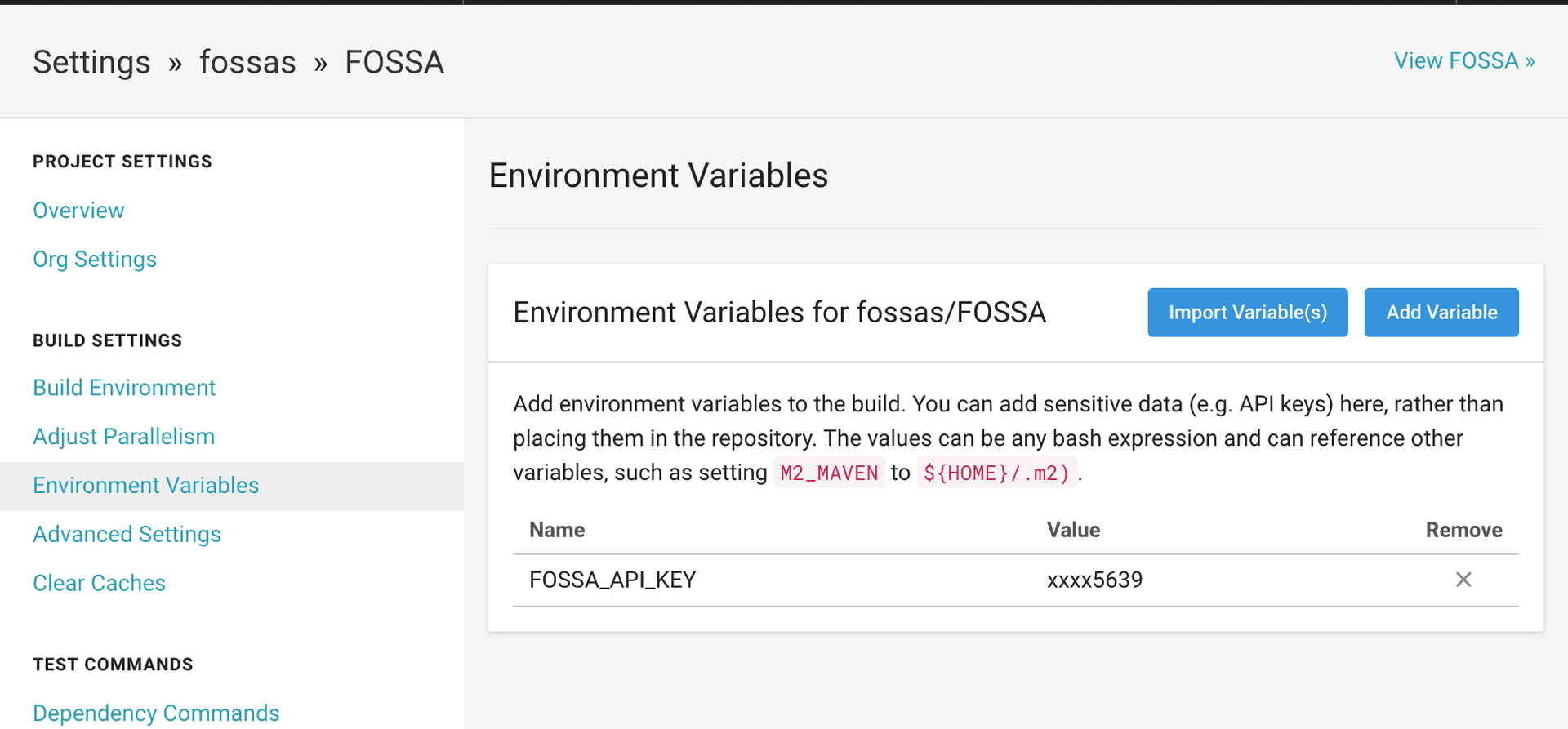
- 2
Install the CLI in your build job
Add a
runstep to installfossa-clibefore thecheckoutstep of yourbuildjob:YAMLjobs: build: steps: - run: | curl -H 'Cache-Control: no-cache' https://raw.githubusercontent.com/fossas/fossa-cli/master/install-latest.sh | bash - checkout - 3
Run fossa analyze after your build
Add a
fossa analyzestep immediately after your build or install steps, before any tests run:YAML- run: command: fossa analyze working_directory: <repo_dir>Full example:
YAMLversion: 2jobs: build: docker: - image: circleci/<language>:<version tag> steps: - run: | curl -H 'Cache-Control: no-cache' https://raw.githubusercontent.com/fossas/fossa-cli/master/install-latest.sh | bash - checkout - run: <build command> - run: command: fossa analyze working_directory: <repo_dir>workflows: version: 2 build: jobs: - buildWith this in place, every CI build uploads dependency data to FOSSA for analysis.
Note
To customise which targets FOSSA analyses, add a .fossa.yml file to the root of your repository. See the .fossa.yml reference on GitHub.
Blocking builds on FOSSA policy status
Add a fossa test step to fail the build when FOSSA detects policy violations.
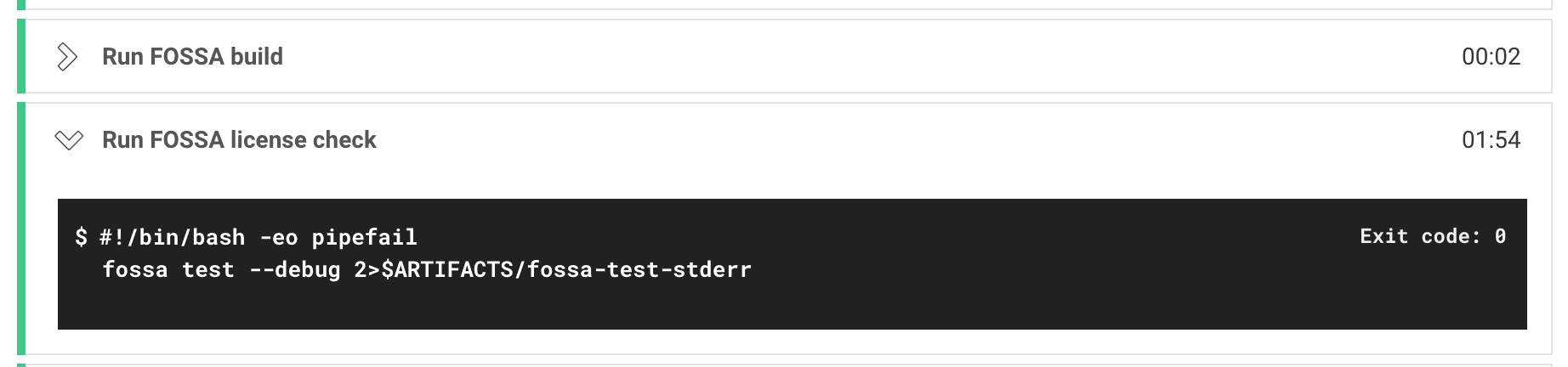
fossa test polls FOSSA until the scan completes, then exits with a non-zero status if any issues violate your policy, blocking the build. It also renders issue details inline in the CircleCI test results.
Add it to your test job:
- run: command: fossa test working_directory: <repo_dir>The default timeout is 600 seconds (10 minutes). Override it with --timeout:
fossa test --timeout 300See the fossa test reference for details.
Full example with both jobs:
version: 2jobs: build: docker: - image: circleci/<language>:<version tag> steps: - run: | curl -H 'Cache-Control: no-cache' https://raw.githubusercontent.com/fossas/fossa-cli/master/install-latest.sh | bash - checkout - run: <build command> - run: command: fossa analyze working_directory: <repo_dir> test: docker: - image: circleci/<language>:<version tag> steps: - checkout - run: <test command> - run: command: fossa test working_directory: <repo_dir>workflows: version: 2 build_and_test: jobs: - build - testTriggering updates via webhook (CircleCI 1.0 only)
Warning
The notify.webhooks block below is a CircleCI 1.0 feature and does not work in CircleCI 2.0+ config.yml files. Most users running CircleCI 2.0+ should use fossa analyze in a run step instead (see above). Only use this section if you are on CircleCI 1.0 with Automated Builds and no other update strategy.
Add the following to your circle.yml file:
notify: webhooks: - url: https://app.fossa.com/hooks/circleciThen in FOSSA, go to Project → Settings → Update Hooks and select CircleCI in the dropdown.