Badge Pull Requests
Automatically add a FOSSA license-scan status badge to your GitHub README when you import a project.
Overview
Note
Badge PRs are available only for public GitHub repositories imported via Quick Import.
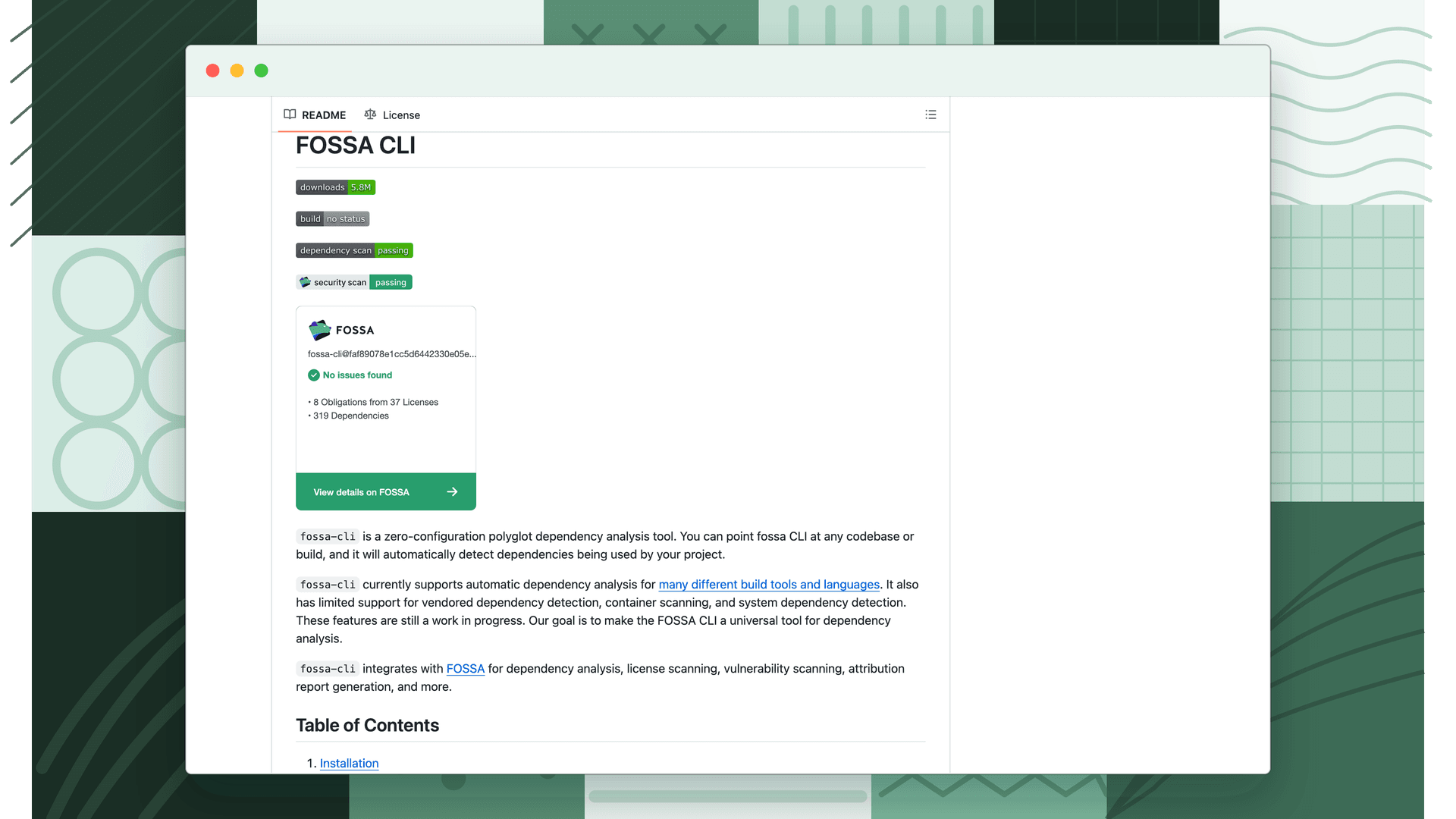
When importing a GitHub project, enable Submit badge PRs after import (public GitHub READMEs only) and FOSSA opens a pull request adding a license-scan status badge to your README as soon as the project imports. See Webpack's README for an example.
FOSSA adds a badge near the top of the README and a more detailed badge at the bottom. You never need to update it; FOSSA refreshes it automatically when the README loads, keeping it in sync with your default branch.
Adding a badge without Quick Import
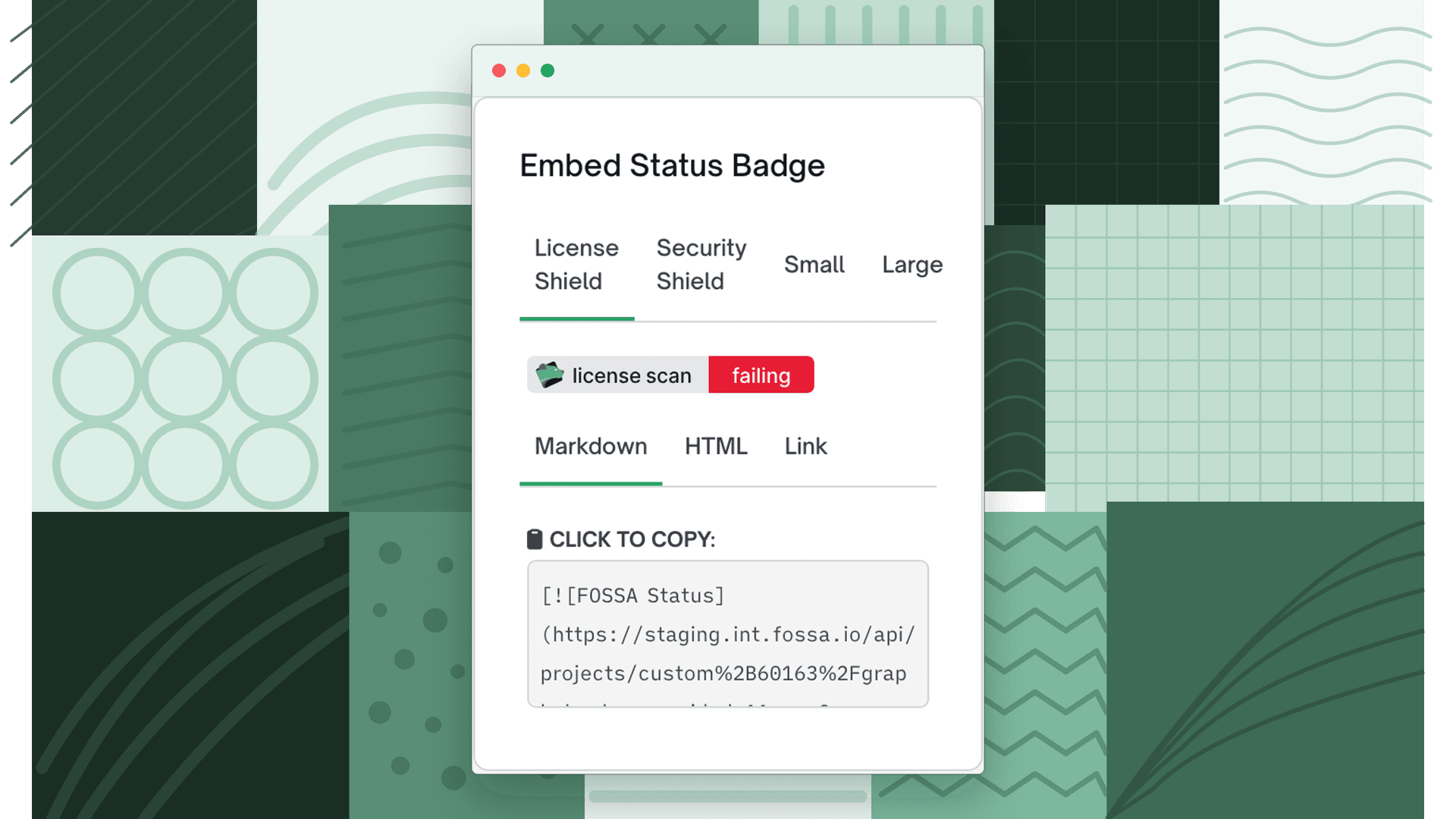
For private repositories, CLI-imported projects, or any project where you want to place the badge yourself, copy the snippet from Project Settings → General → Embed Status Badge and paste it into your README manually. See Automatic Updates for details.