

Issue Scanners
Configure which issue scanners are enabled for your projects and how they gate CI/CD builds.
Overview
Issue scanners control which categories of issues FOSSA detects and reports for your projects. Each scanner (Licensing, Security, and Quality) is configured independently with its own policy, CI/CD gating, and sub-scanning options.
Organization-level defaults live at Organization Settings > Projects > Issues and apply to all new projects. Settings can be overridden per-project at Project Settings > Issue Policies.
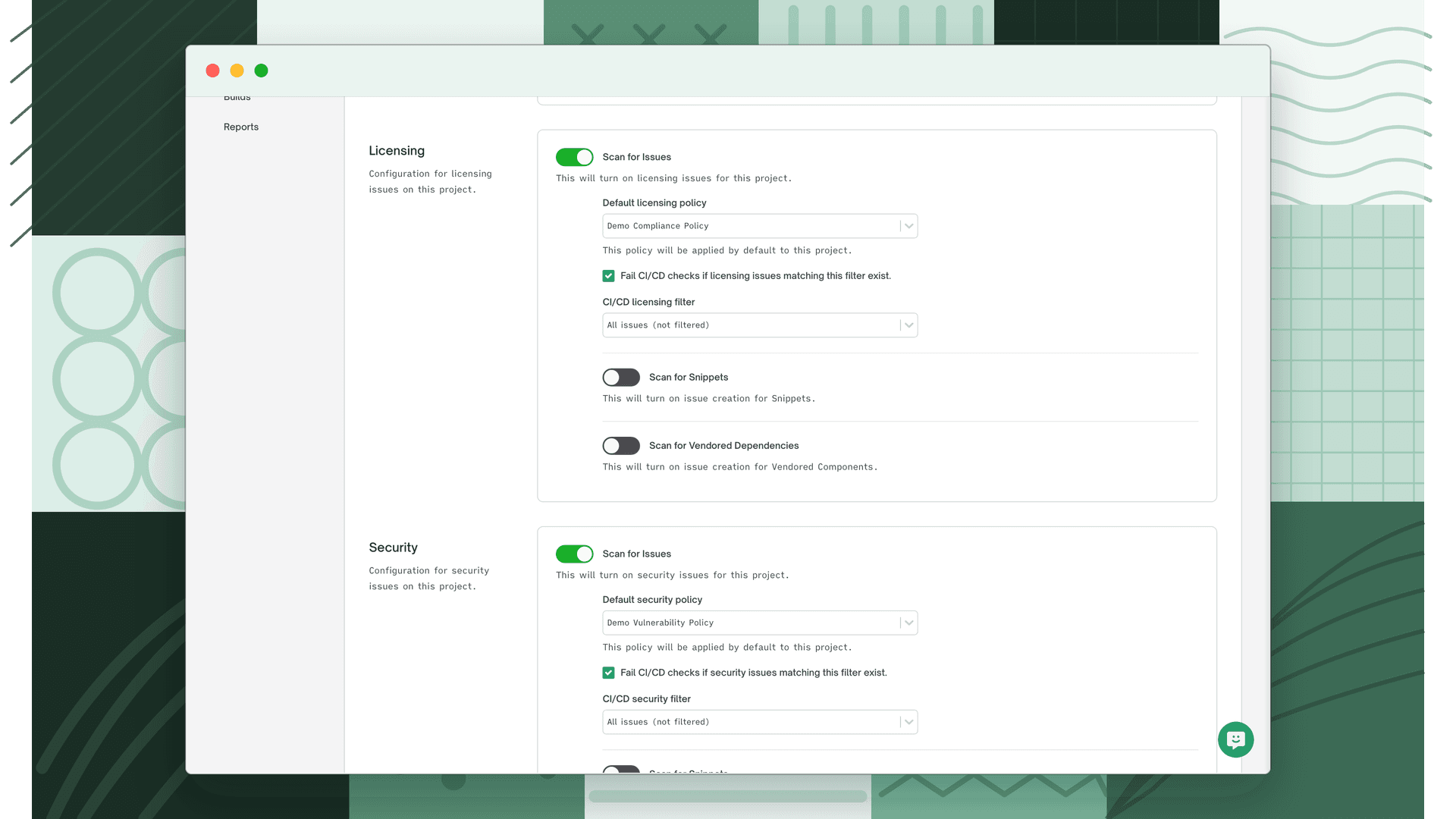
Per-scanner settings
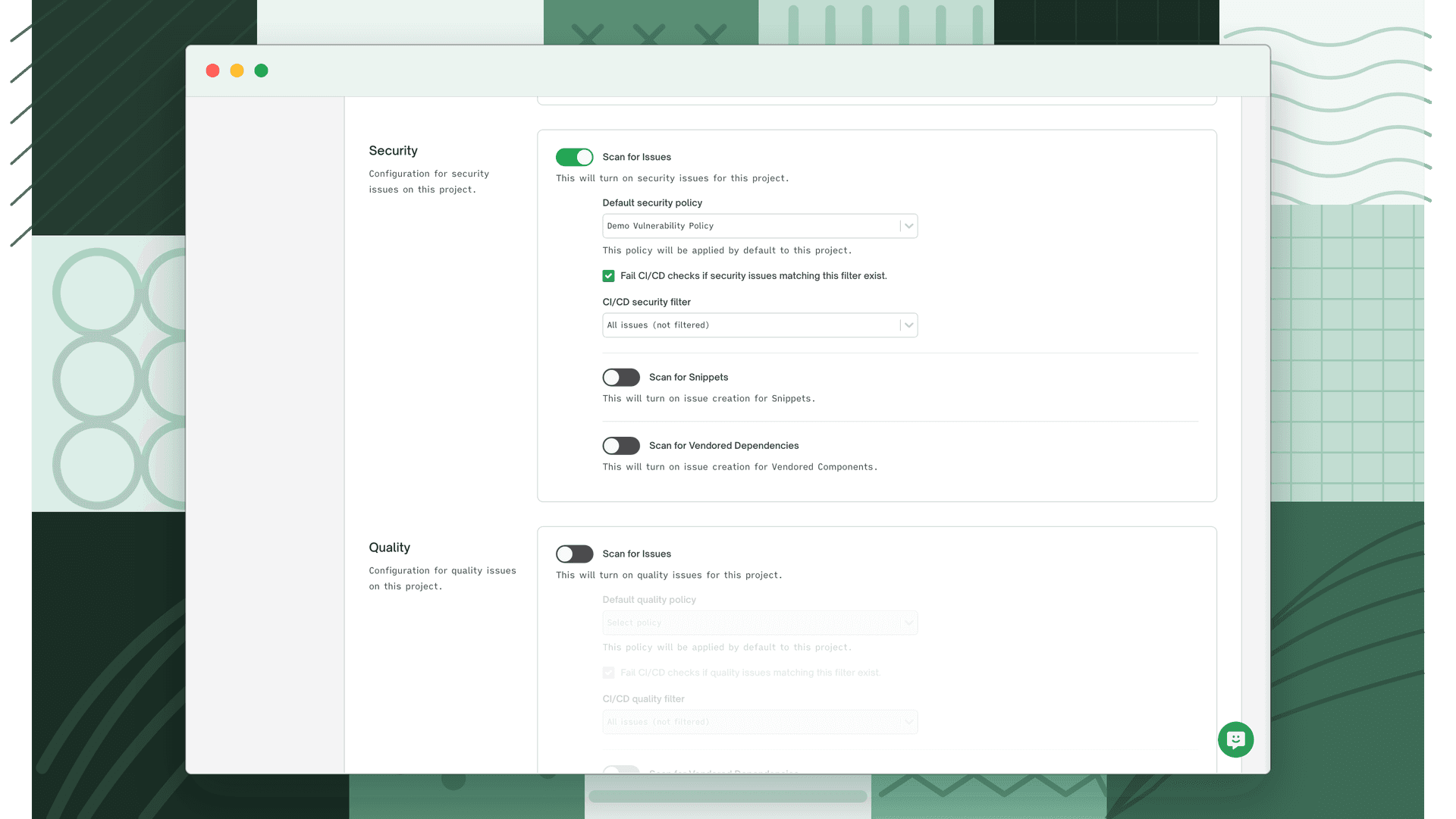
Each scanner has the same set of controls:
| Setting | Description |
|---|---|
| Scan for Issues | Enables or disables issue detection for this category on new projects |
| Default policy | The policy applied to new projects for this scanner. Determines which issues are flagged based on the rules you've configured. |
| Fail CI/CD checks | When enabled, fails the CI/CD status check if issues matching the filter are found |
| CI/CD filter | Scopes which issues trigger the CI/CD failure. Only active when Fail CI/CD checks is on. |
Licensing
The licensing scanner identifies open source license compliance issues across your project's dependencies. For each dependency, FOSSA detects declared and discovered licenses, compares them against your licensing policy, and raises an issue when a dependency is denied, flagged, or missing required attribution.
Common reasons for a licensing issue:
- A dependency uses a license explicitly denied by your policy (e.g. GPL in a proprietary product)
- A dependency's license is flagged for review or is unresolved
- Required attribution or copyright notices are missing
Licensing issues appear regardless of whether the vulnerability or quality scanners are enabled, and can independently gate CI/CD builds.
Security
The security scanner detects known vulnerabilities (CVEs) in your dependencies and evaluates them against your security policy. FOSSA matches each dependency against its vulnerability database (sourced from NVD, GitHub Advisories, and other feeds) and raises issues for CVEs that meet or exceed the severity threshold defined in your active security policy.
Common reasons for a security issue:
- A dependency has a CVE at or above your policy's minimum severity threshold
- A vulnerability's CWE matches a deny rule in your policy
- A CVE is present and no fix is available (flagged as a known risk)
Security issues support the full ignore and triage workflow (including VEX justifications when exporting SBOMs) and can independently gate CI/CD builds.
Quality
The quality scanner evaluates the health and maintenance status of your dependencies and raises issues when packages fall below the thresholds set in your quality policy. This includes dependencies that have been abandoned, are significantly out of date, or exhibit other signals of poor maintenance.
Common reasons for a quality issue:
- A dependency is classified as abandonware, no meaningful activity for an extended period
- A dependency is a configurable number of major, minor, or patch versions behind the latest release
- A dependency has other quality risk signals such as lack of active maintainers
Quality issues help teams stay ahead of future security and compatibility risk before a CVE appears in an old, unmaintained package.
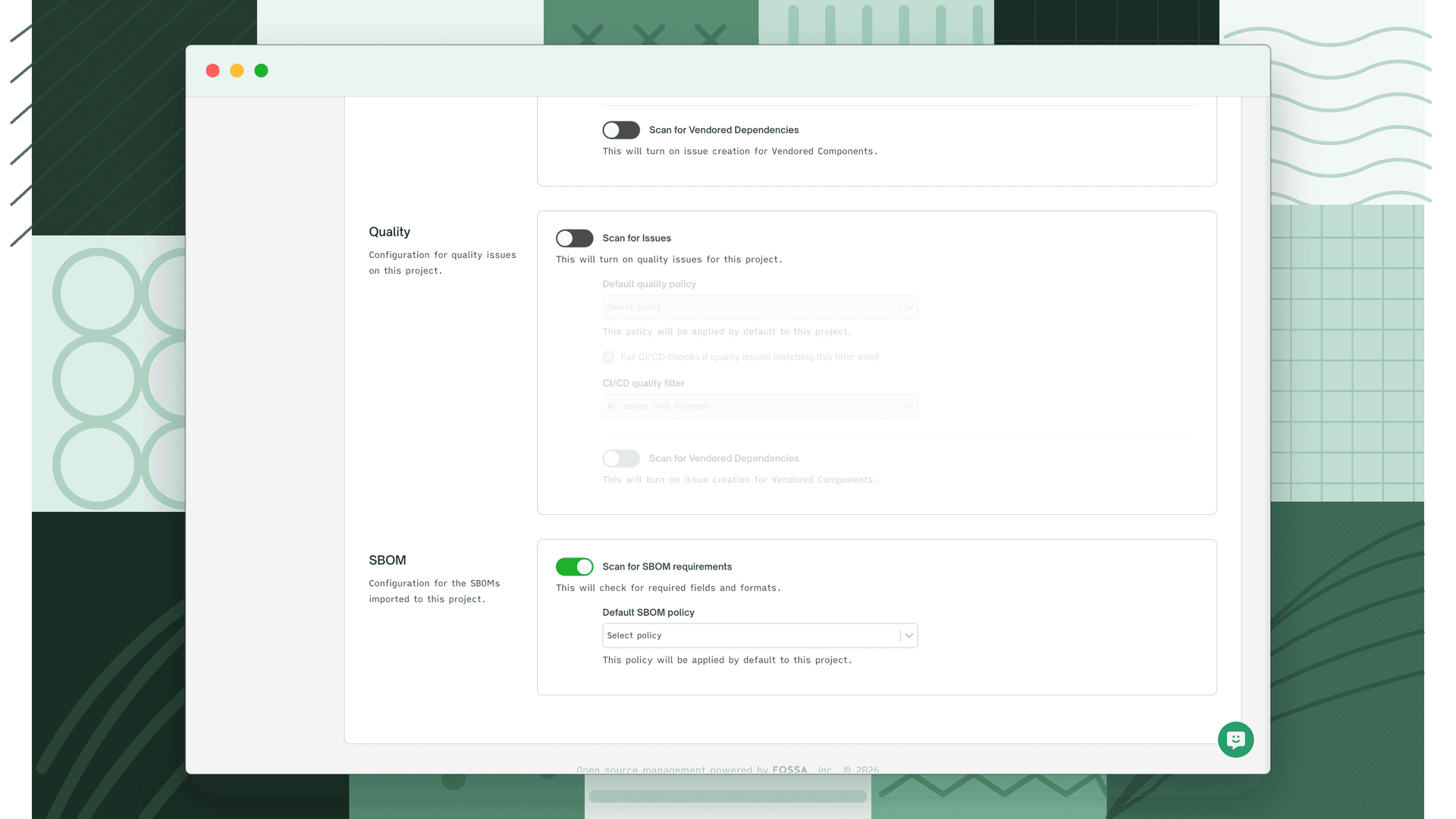
See Understanding Quality Issues for a breakdown of each quality issue type, and Quality Policies to configure detection thresholds.
Snippet scanning
Enterprise feature
This functionality is gated behind a feature flag and may not be enabled for your organization by default. Reach out to your account team to request access.
Snippet scanning extends all three scanners to detect license and vulnerability matches in vendored or copy-pasted code fragments; source code that has been directly embedded in your repository rather than declared as a dependency.
See Snippet Scanning for configuration details.
Vendored dependency scanning
Enterprise feature
This functionality is gated behind a feature flag and may not be enabled for your organization by default. Reach out to your account team to request access.
Vendored dependency scanning extends all three scanners to analyze dependencies that have been checked directly into your repository (e.g. a vendor/ directory) rather than managed through a package manager.
See Vendored Dependencies for configuration details.
What's next
- Licensing Policies: Define which licenses are approved, flagged, or denied for your organization.
- Security Policy: Set severity thresholds and rules that determine which vulnerabilities trigger issues.
- Quality Policy: Configure thresholds for package health and maintenance status issues.