

CLI
Analyze your code locally with the FOSSA CLI and upload the results, the most accurate and secure way to integrate.
Overview
The most accurate way to integrate FOSSA is to analyze your code locally with the FOSSA CLI, our open source build client. It requires a working build, but it's the most performant, accurate, and secure integration method.
Pick this method if:
- You don't want to give FOSSA servers access to your code (for IT, policy, or logistical reasons).
- You need accurate, performant build results.
- You already have a configured build environment in CI or on a local dev machine.
- You tried Quick Import for a project but need more advanced configuration or build analysis for the accuracy you want.
Note
This method uses a command-line interface and knowledge of your codebase. If you're not a developer, ask one to help, or try Quick Import instead.
Getting started
- 1
Start a local integration
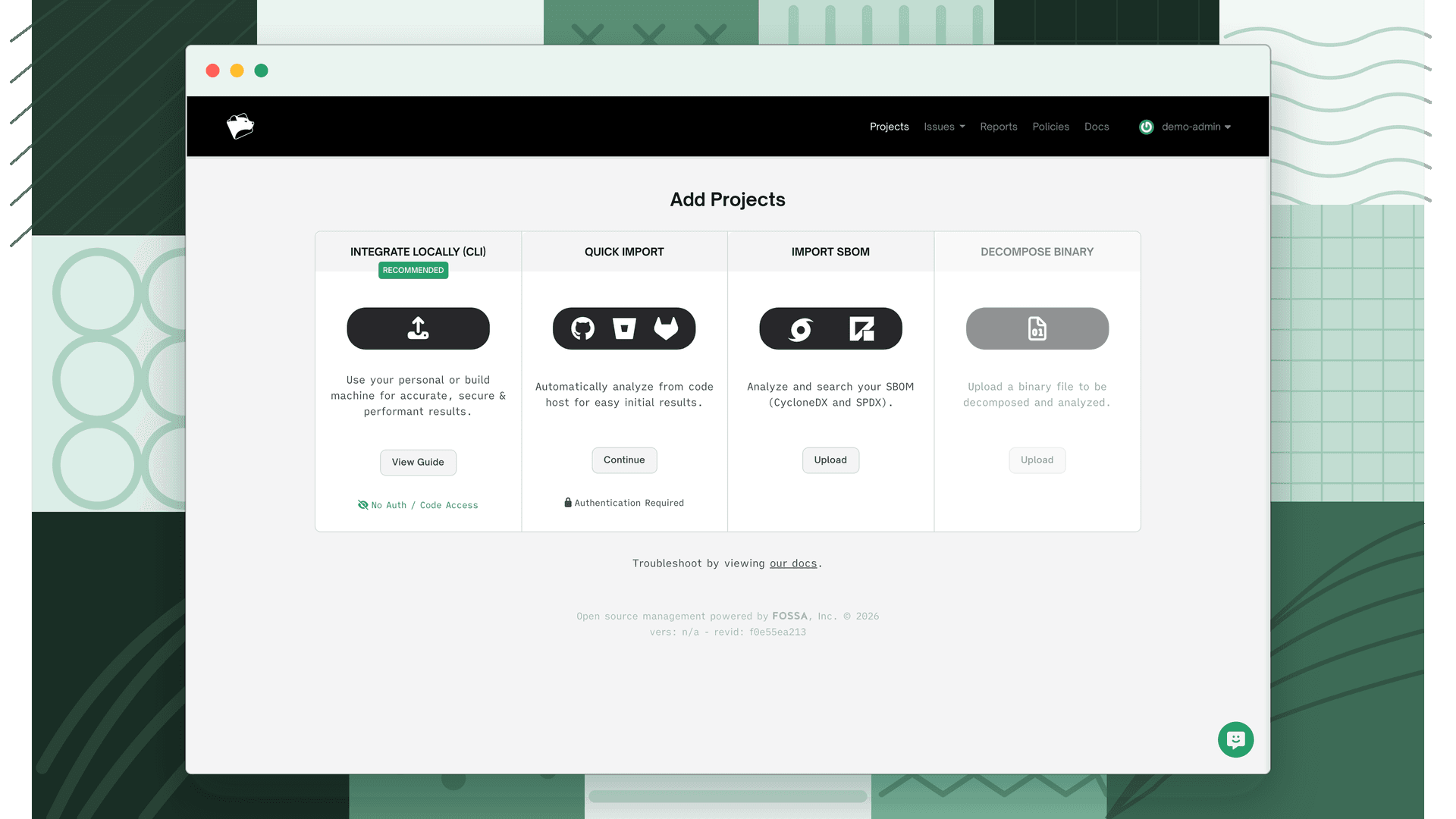
In FOSSA, click Integrate Locally (CLI) to begin importing your project.
- 2
Install the CLI
Click View Guide for the in-product instructions, then install the client with the one-line command for your platform. See Installing FOSSA CLI for the full guide (including Windows).
Shellcurl -H 'Cache-Control: no-cache' https://raw.githubusercontent.com/fossas/fossa-cli/master/install-latest.sh | bash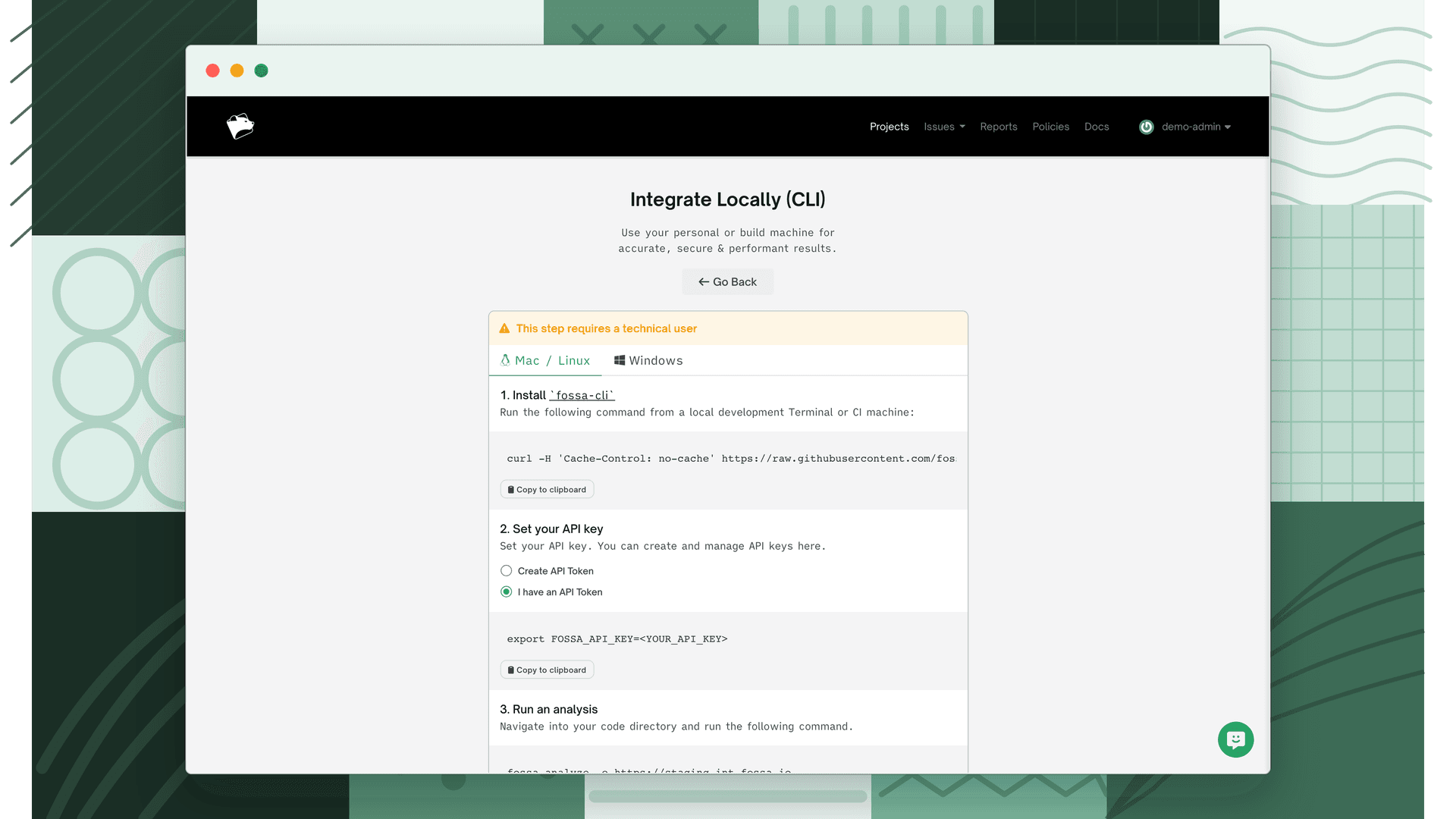
- 3
Analyze your project
From your project root, run
fossa analyze. The CLI uses your existing build environment to perform build and dynamic analysis, giving better accuracy than static analysis on complex codebases. See Supported Languages for configuration details.
What gets uploaded
Using the CLI is secure: it grants FOSSA no code access and sends only public dependency signatures to app.fossa.com. Output exactly what would be uploaded with:
fossa analyze -oFor the full breakdown, see What data gets uploaded.