

SBOM Import
Import a CycloneDX or SPDX SBOM to run license and security compliance checks against its listed components.
Overview
Import an existing SBOM (CycloneDX or SPDX) so FOSSA can run license and security compliance checks against the components it lists, useful for analyzing software you don't build yourself.
Import from the UI
- 1
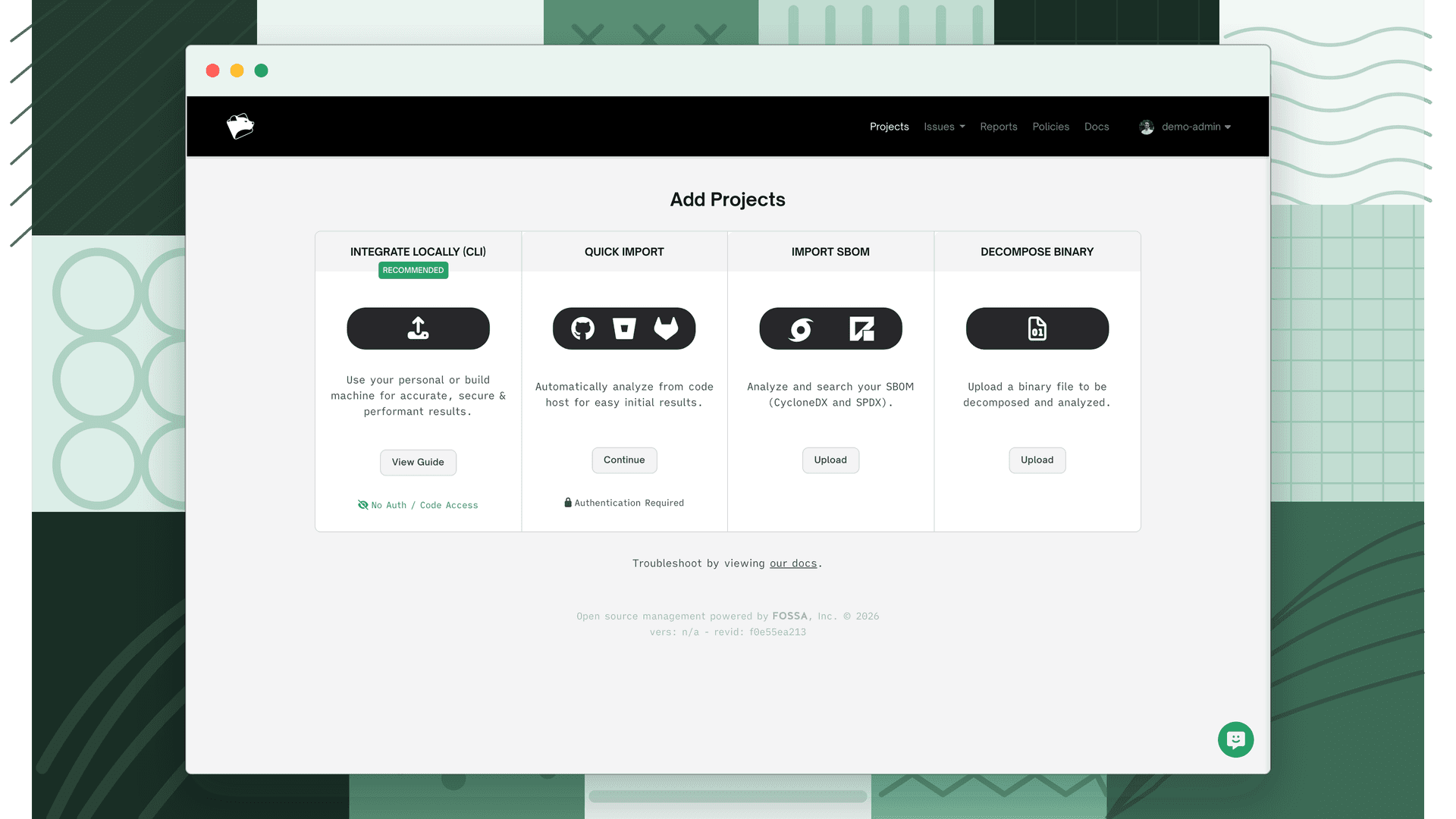
Choose Import SBOM
From the Add Projects page, select Import SBOM (CycloneDX, SPDX).
- 2
Add your files
Select Add Files and choose the SBOM file (
.jsonor.xml). Bulk import is supported. Select as many files as you need.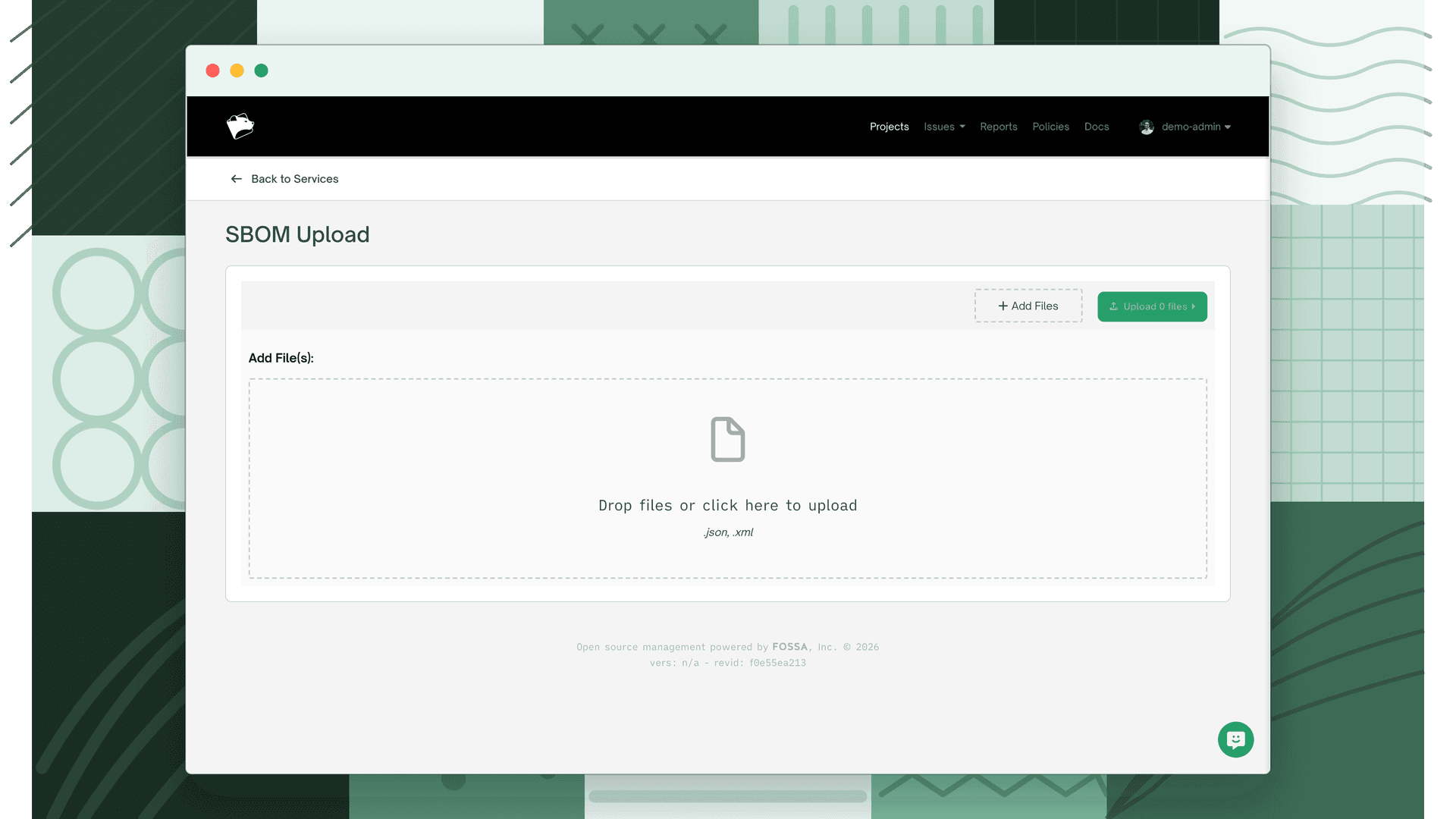
- 3
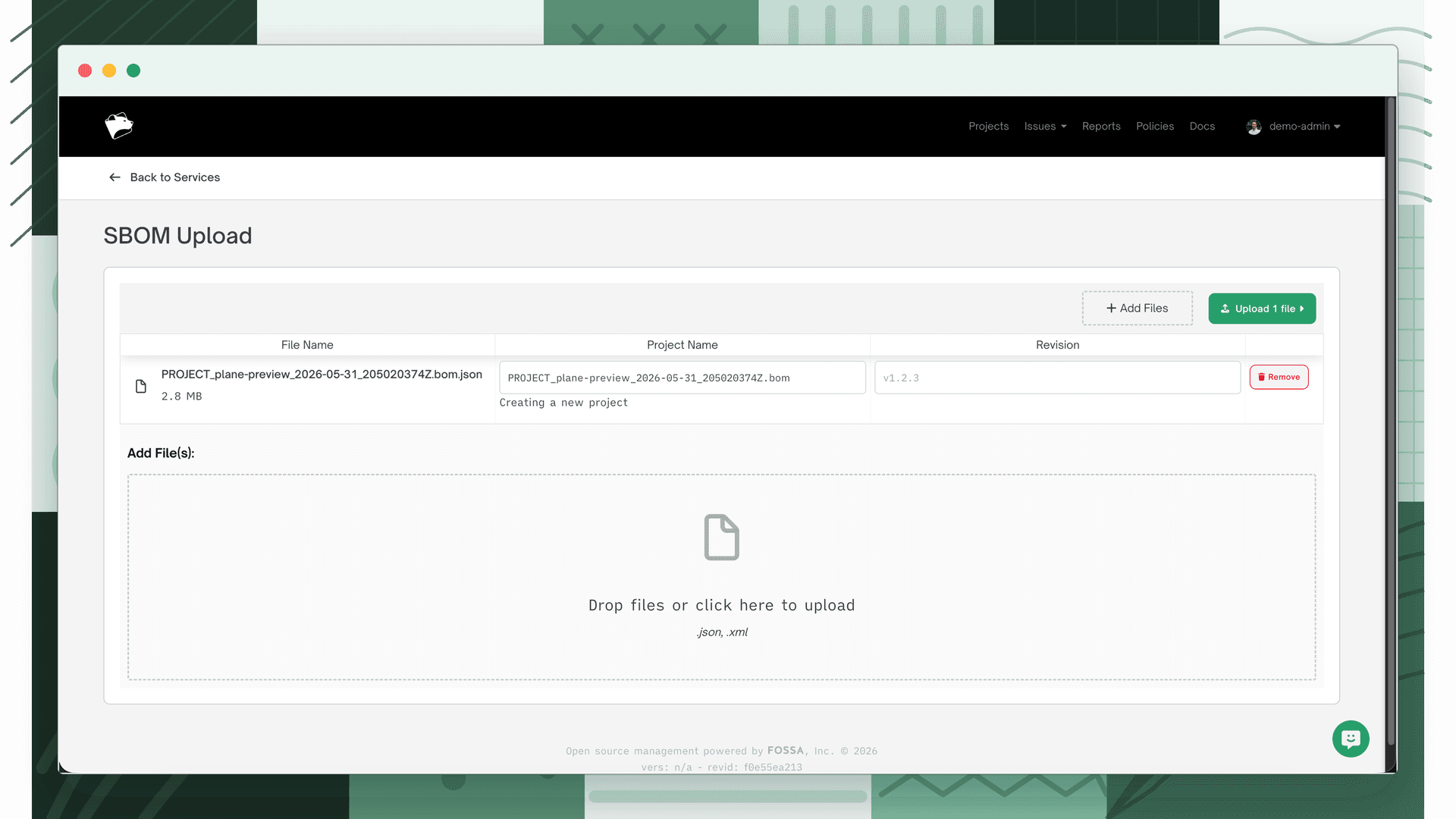
Name the project and set a version
Add a unique name and a semantic version number.
- 4
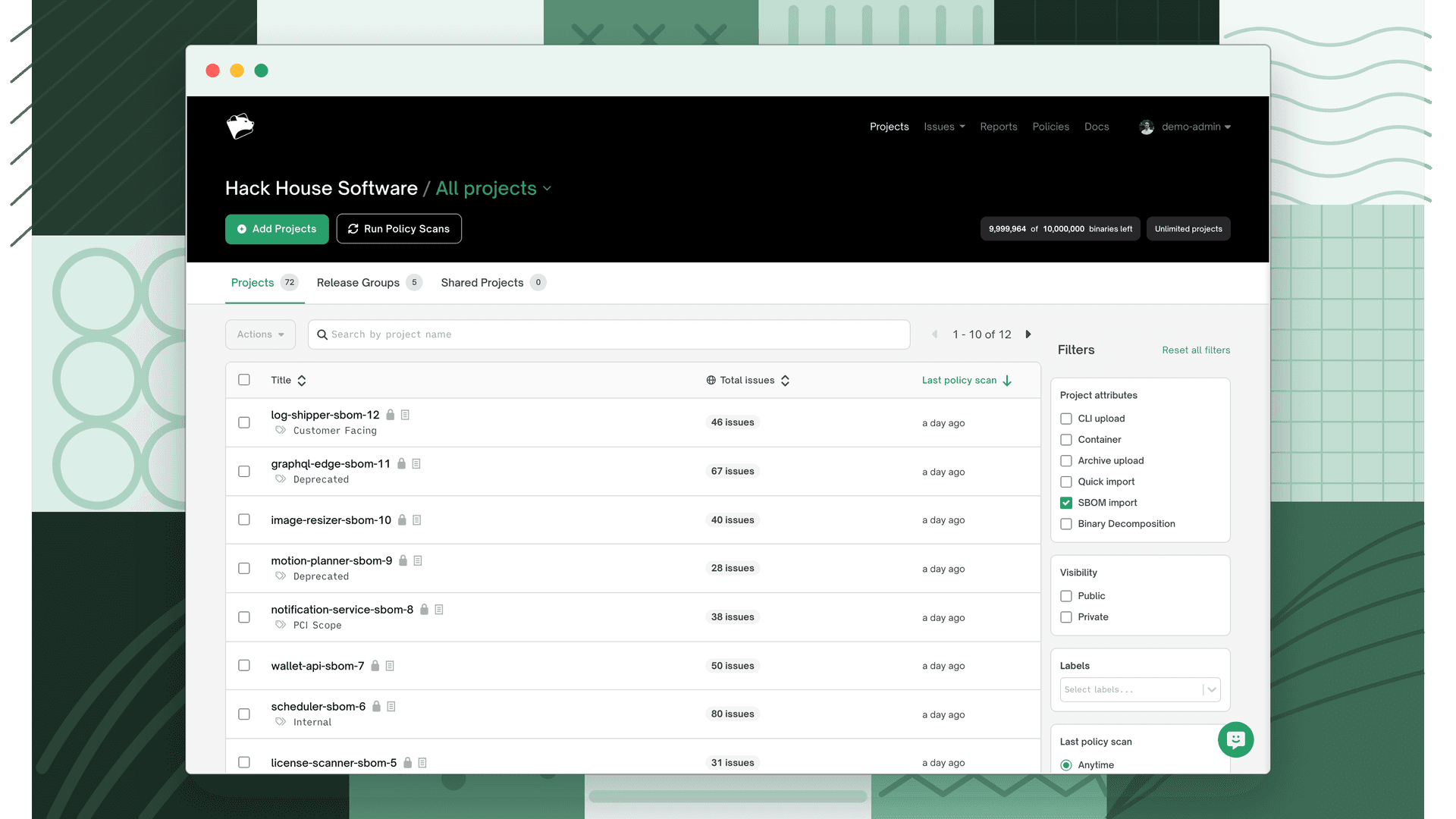
Review in your project list
When upload and analysis finish, the SBOM appears in Projects, marked with the SBOM icon.
Warning
Importing under an existing SBOM project name adds the upload as the latest revision of that project rather than creating a new one.
Import via the API
To automate imports, use the API instead of the UI. There are two steps: get a signed upload URL, then trigger a build.
- 1
Get a signed URL
GET /api/components/signed_urlreturns a pre-signed cloud-storage URL. It is valid for 5 minutes.curl -X GET "https://app.fossa.com/api/components/signed_url" \ --data-urlencode "packageSpec=<SBOM_package_or_file_name>" \ --data-urlencode "revision=<SHA_hash_or_version>" \ --data-urlencode "fileType=sbom" \ -H "Authorization: Bearer $FOSSA_TOKEN" - 2
Upload, then trigger a build
POSTyour SBOM to the signed URL within 5 minutes, then callPOST /api/components/build?fileType=sbomto start analysis. A successful build returns201 Created.curl -X POST "https://app.fossa.com/api/components/build?fileType=sbom" \ -H "Content-Type: application/json" \ -H "Authorization: Bearer <token>" \ -d '{"selectedTeams":[],"archives":[{"packageSpec":"Distro cyclonedx","revision":"123456789","fileType":"sbom"}]}'