

Notifications
Configure who gets notified and through which channels when FOSSA detects new issues in your projects.
Enterprise feature
Available on: Business, Enterprise.
Overview
FOSSA can notify your team when a scan completes and new issues are found, via email or Slack. Notifications are triggered by new issue detection, whether from a code push, a scheduled scan, or a manual rescan.
The same notification settings are available at two scopes:
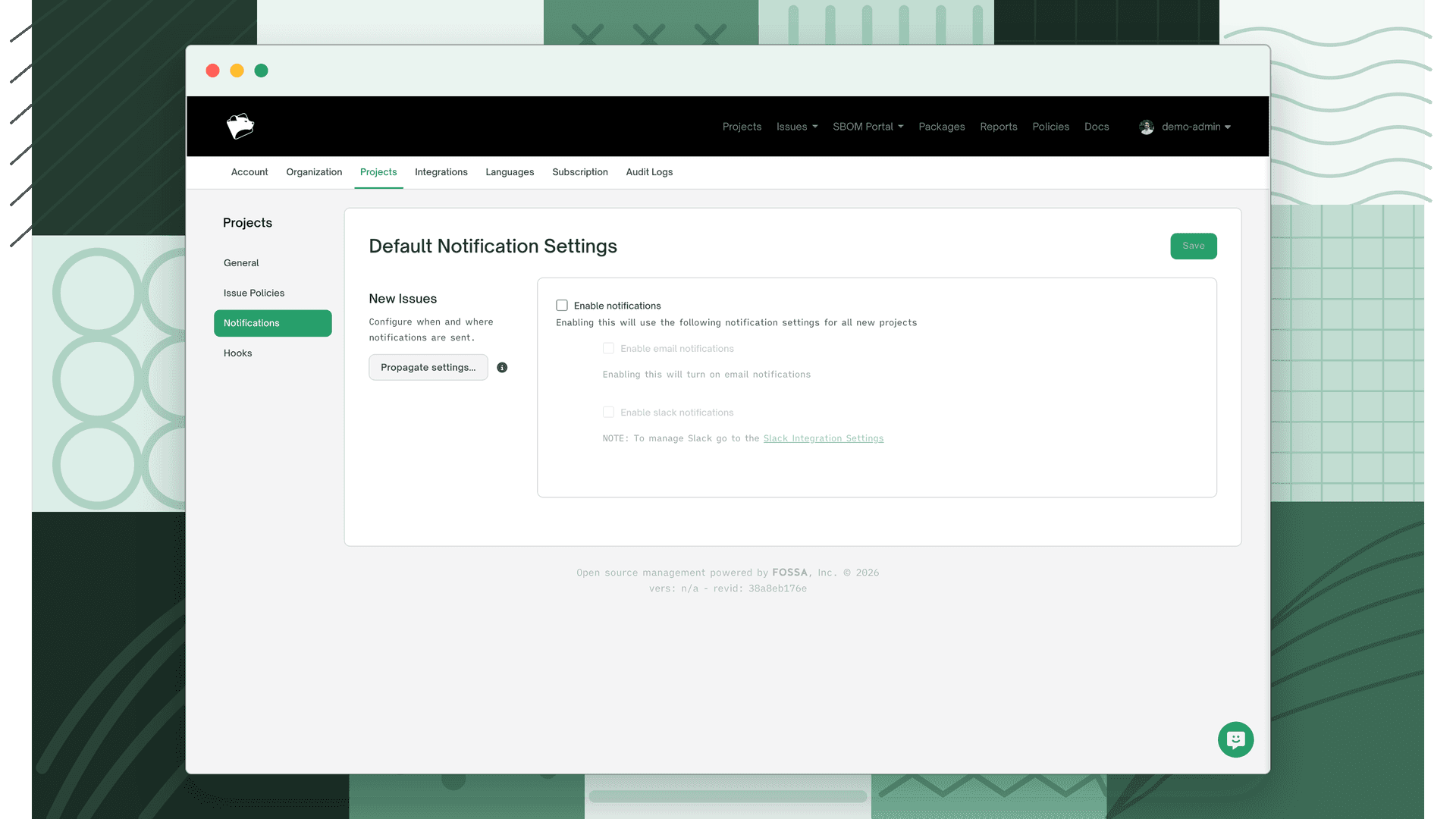
Organization defaults: Organization Settings > Projects > Notifications, applied automatically to all new projects
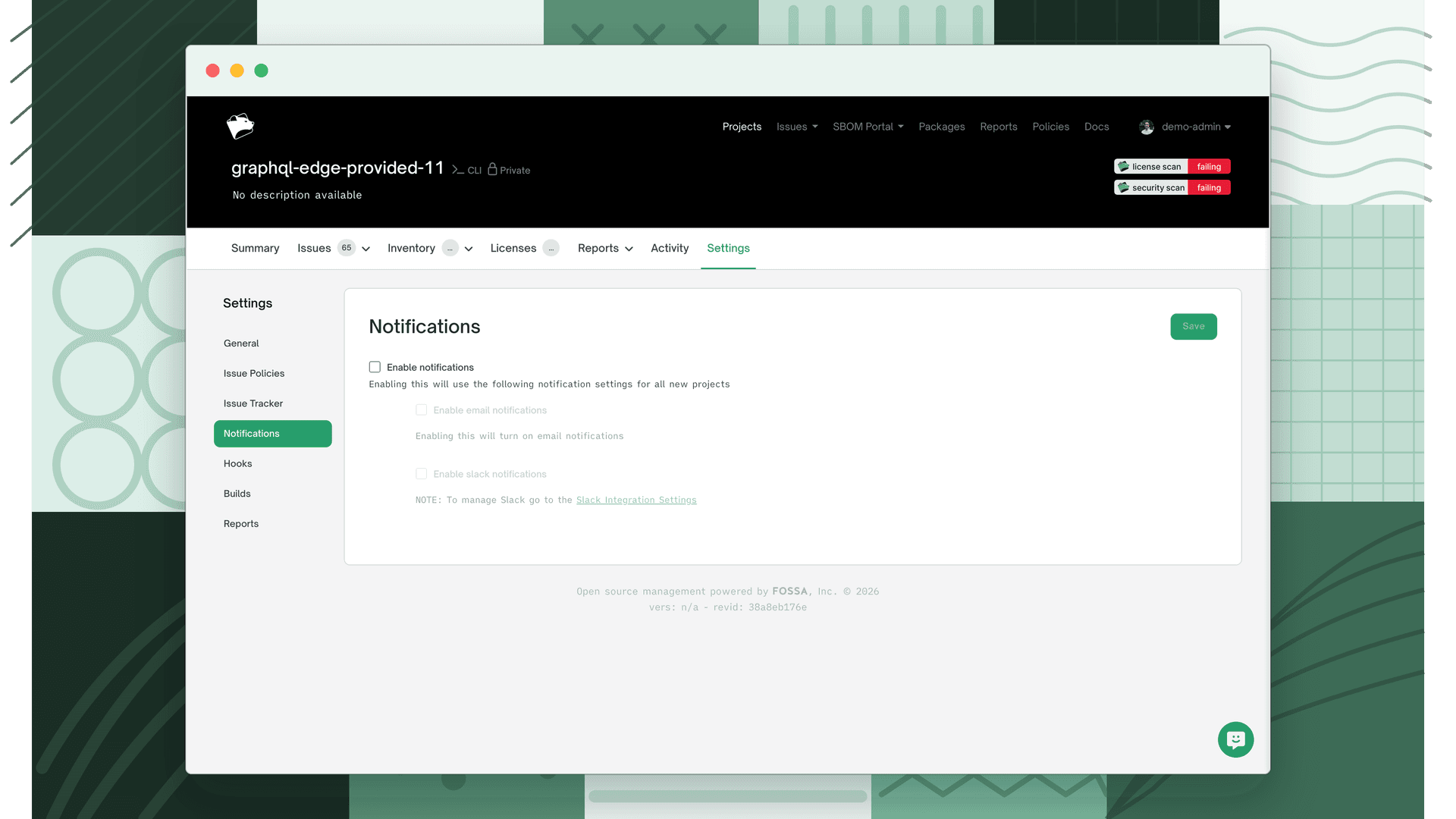
Per-project overrides: Project Settings > Notifications, overrides the org default for a specific project
Changes to org defaults can be propagated to existing projects using the Propagate button.
Email notifications
Email notifications send a summary when new issues are detected in a project scan.
Toggle Enable email notifications on, then choose who receives the emails:
| Recipient option | Description |
|---|---|
| Only me | Sends to the currently logged-in user only |
| Organization | Sends to all members of the organization |
| Custom | Sends to a specific list of users you select |
Slack notifications
Slack notifications post a message to a configured Slack channel when new issues are detected.
Toggle Enable Slack notifications on. Slack must be connected before this option takes effect. Set it up at Settings > Integrations > Slack.